
What should an accounting firm's website include?
Someone looking for an accountant or a bookkeeper wants three answers quickly: do you work with businesses like mine, what will it cost, and how do I get started. Right after that comes trust: who you are, which software you work in and how you look after their numbers and documents.
A one-page site with a phone number answers very little of that. A full website answers all of it: a page for each service, clear packages, stories from clients, a page on how you handle their data and a contact page that says what happens after they write.
Turning Ledgerly into an accounting firm's website
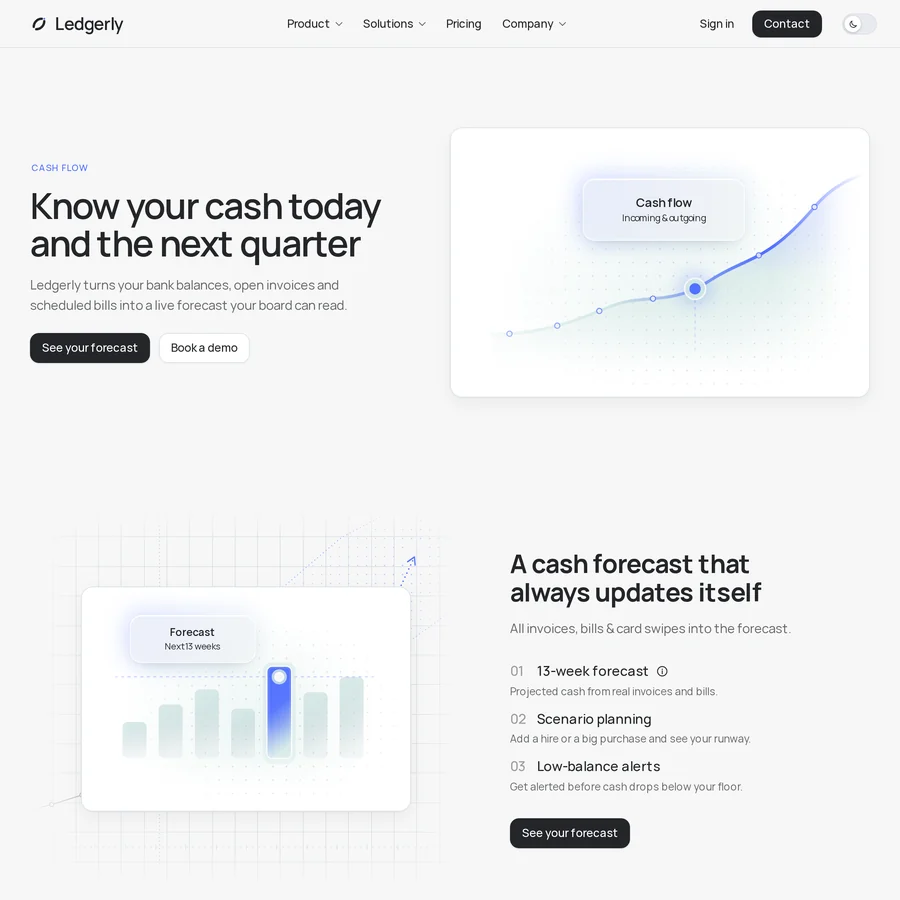
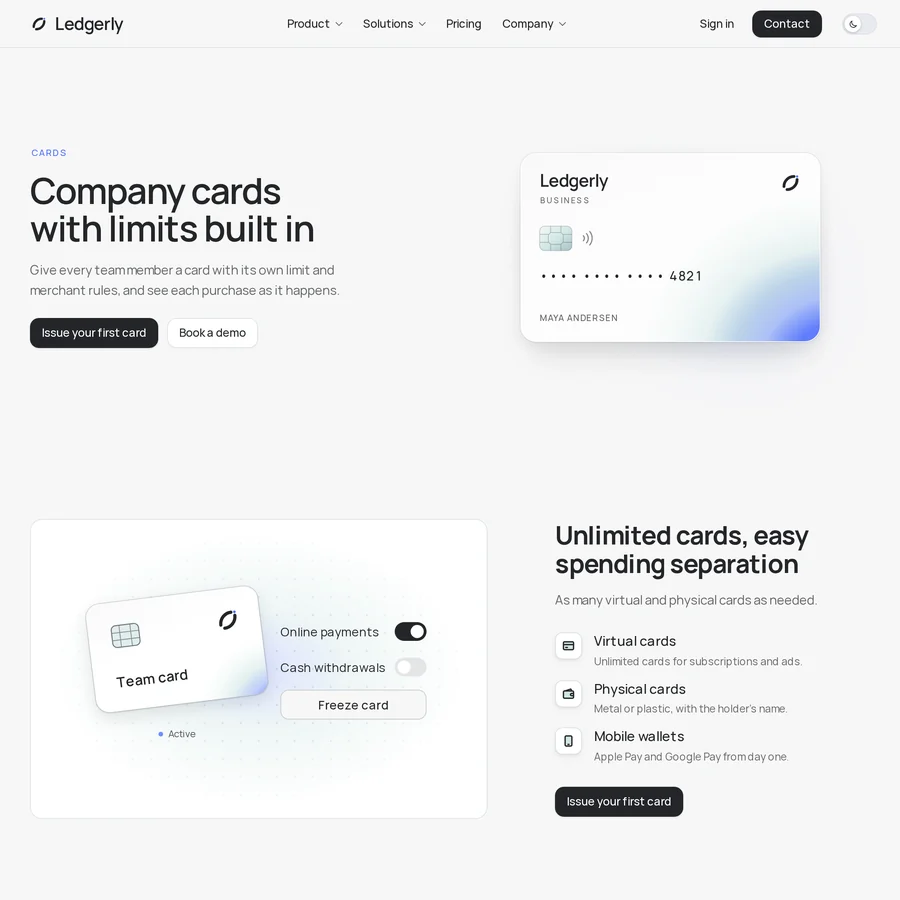
Ledgerly is designed around business finance, so most of its pages already speak your clients' language. The home page has four cards for accounting, invoicing, banking and reporting, and an animated flow in three steps that can show how working with you starts. This is how the rest maps to a firm:
- Products becomes Services, with a page each for bookkeeping, payroll, tax returns or advisory.
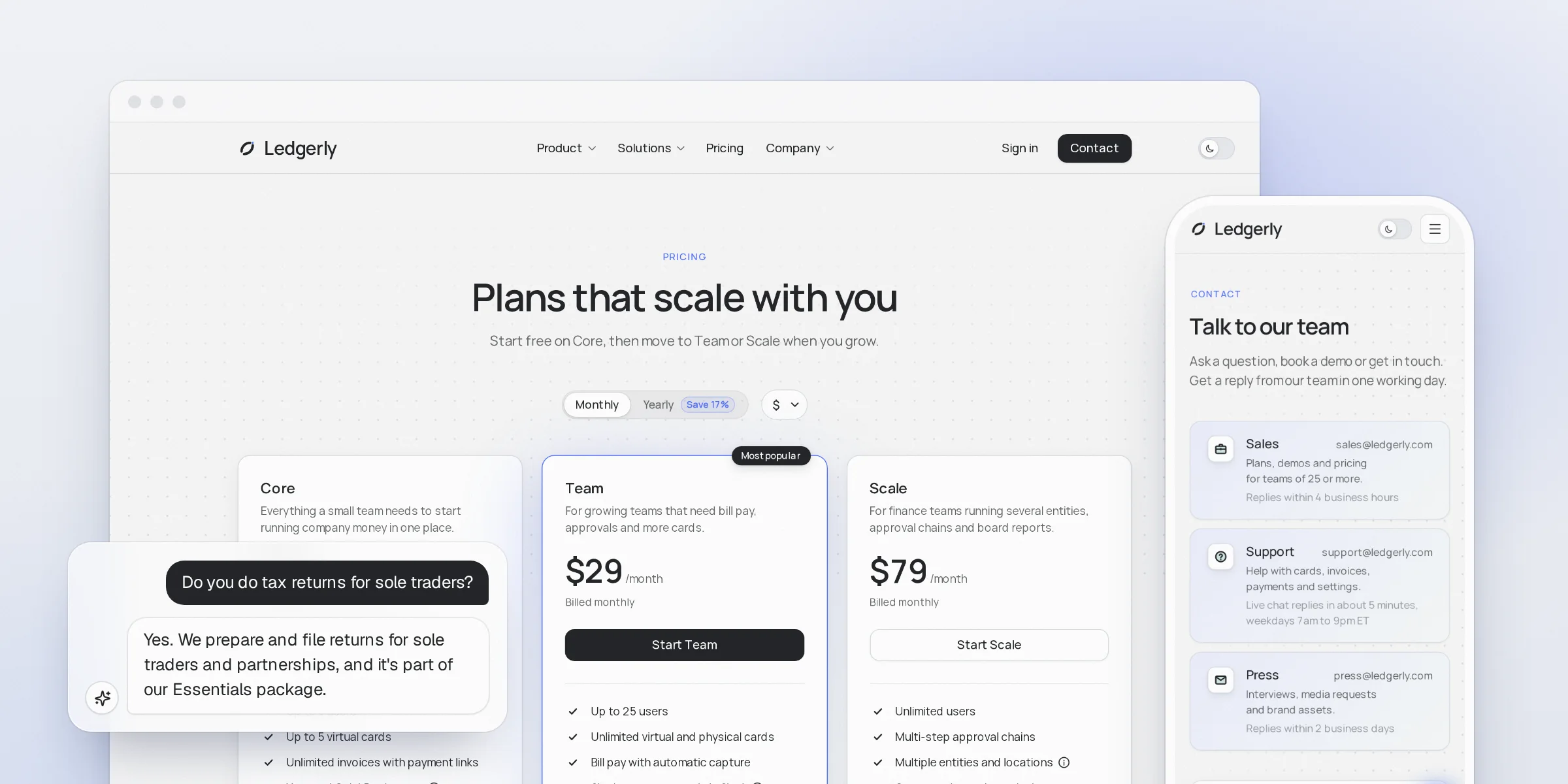
- Pricing becomes your packages. The monthly and yearly switch and the comparison table work just as well for fixed monthly fees.
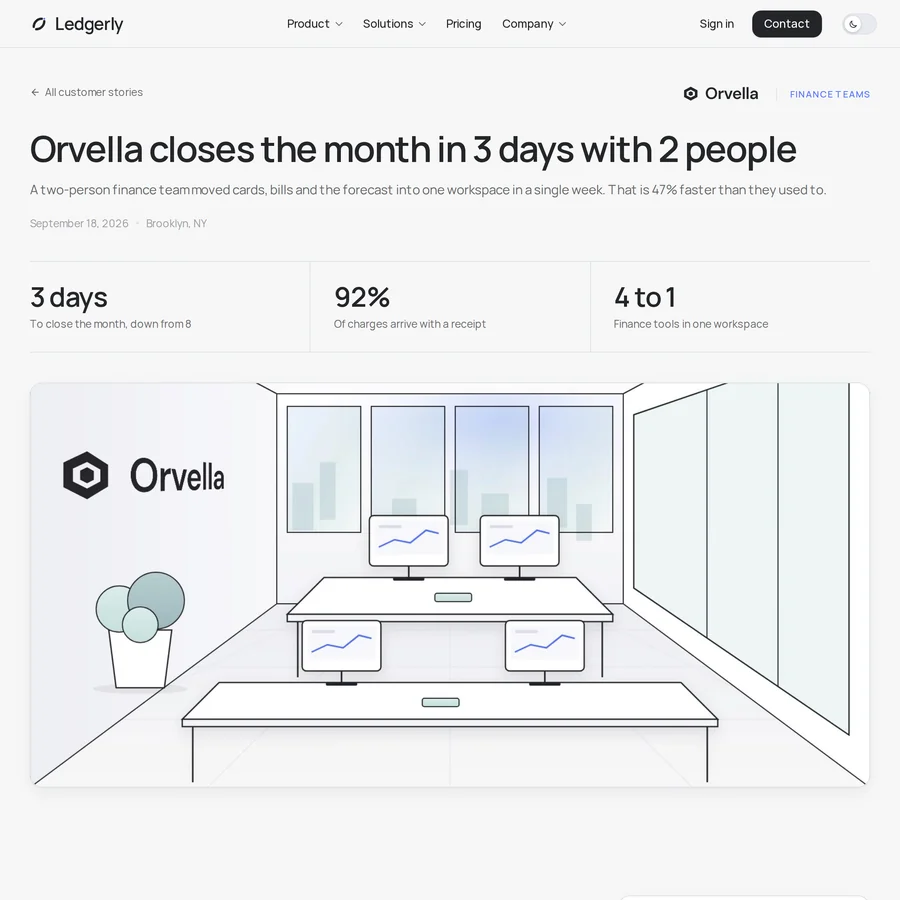
- Solutions becomes the clients you serve, such as startups, agencies, online shops or landlords, each with a client story.
- Integrations lists the accounting, payroll and banking software you work in.
- Security explains how you protect client data, with encryption, approvals and audit history already laid out.
- Company and Careers introduce the people behind the firm, its milestones and any open positions.
- The blog, with 11 sample posts to replace, is ready for deadline reminders, tax guides and firm news.
An AI assistant for your clients' questions
Ledgerly comes with Lumi, an AI assistant built into the template. Visitors open it from the button in the corner of the page and ask their questions without leaving it. Lumi answers from a list of questions and answers that you write, so it works the moment you publish, with no setup and no AI costs. Having a developer build an assistant like this into a website is usually a project of its own; in Ledgerly it is designed and ready, and its answers are text you edit.
Accountants answer the same questions every week: which documents to send, when a deadline is, what monthly bookkeeping costs and whether you work with sole traders. Put your answers into Lumi and it gives them on your website at any hour, in your words. When a question needs you, it passes the visitor to your email with your office hours.
Do you do tax returns for sole traders?
Yes. We prepare and file returns for sole traders and partnerships, and it's part of our Essentials package. Send us your income and expenses for the year and we'll tell you what else we need.
Making it yours takes three steps, and the setup guide covers each one: give it your name and welcome message, paste in your own answers or let the included AI editing skill write them from your FAQ page, and add your support email and hours. If you want Lumi to answer with a live AI model, the guide includes the server code and the steps to connect it, and we help by email if you get stuck.
How to set up Ledgerly for an accounting firm
- Set your colours, fonts and logo in Framer's styles. Every page follows, in the light and the dark theme.
- Rename Products to Services and give each service its own page.
- Put your packages and monthly fees on the pricing page.
- Replace the customer stories with stories from your clients, with their permission.
- List the software you work in on the integrations page.
- Add your engagement terms and privacy notice to the legal collection.
- Give Lumi your answers and office hours, connect your domain and publish.
Details that matter for accountants
Put your qualifications and professional memberships where people look first, near the top of the home page and on the company page. Use the FAQ page for the questions from every first call, from deadlines to the documents clients need to send. If your clients log in to a portal, link the sign-in page's button to it.
What it costs
Ledgerly is $79, paid once, for one website, yours or a client's. A free Framer account is enough to remix and edit it; publishing on your own domain takes a Framer site plan that includes the CMS, paid to Framer. With it you get a setup guide that covers every page, the AI editing skills, Lumi's server code, free updates for as long as the template exists and email support from us, the studio that built it.