
What should a fintech website include?
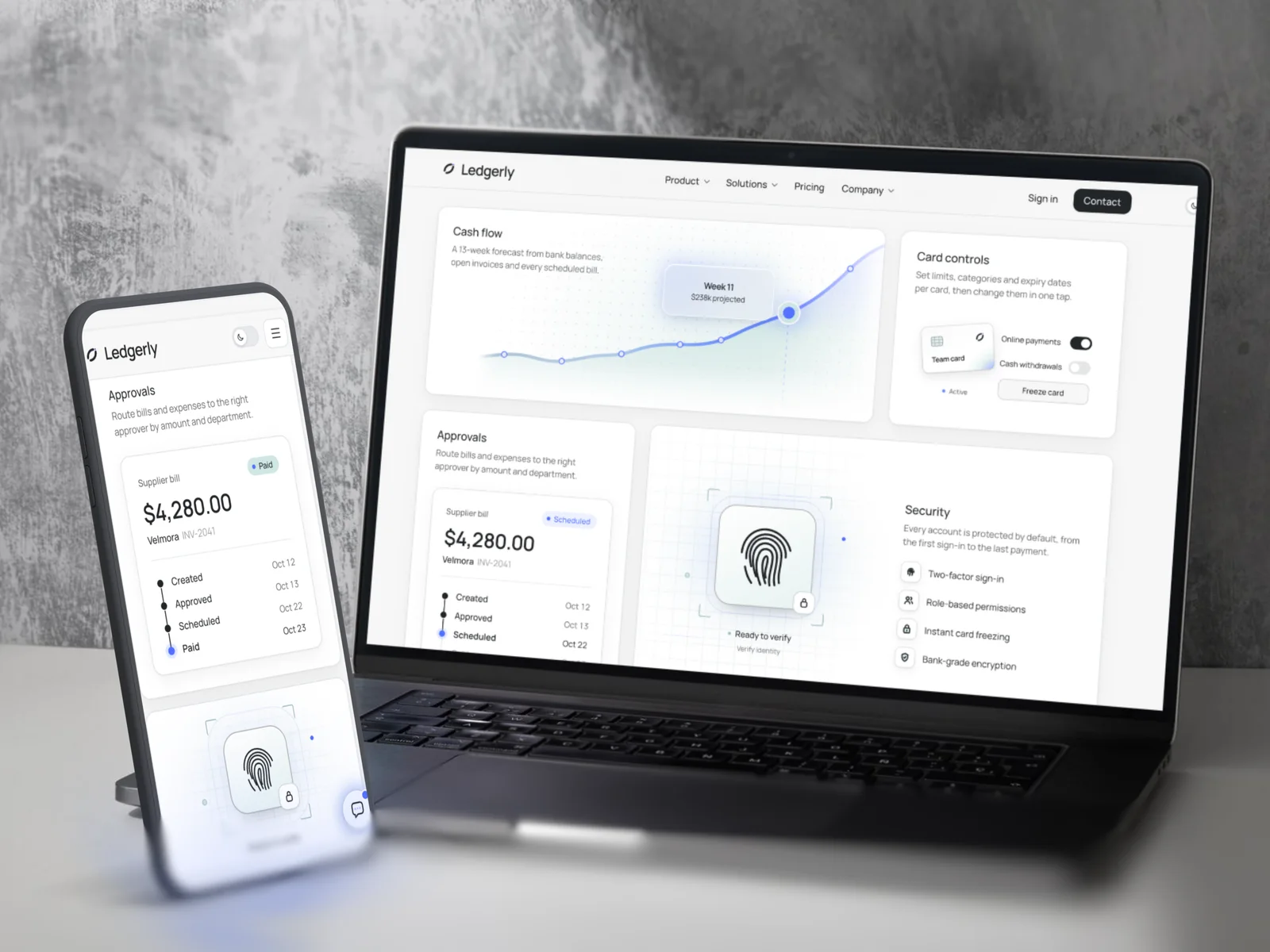
A fintech website has to answer three questions before anyone signs up: what the product does with their money, what it costs, and how that money is kept safe. Someone choosing where to run their company's cards or payments wants to see the real screens, limits and fees before they speak to anyone.
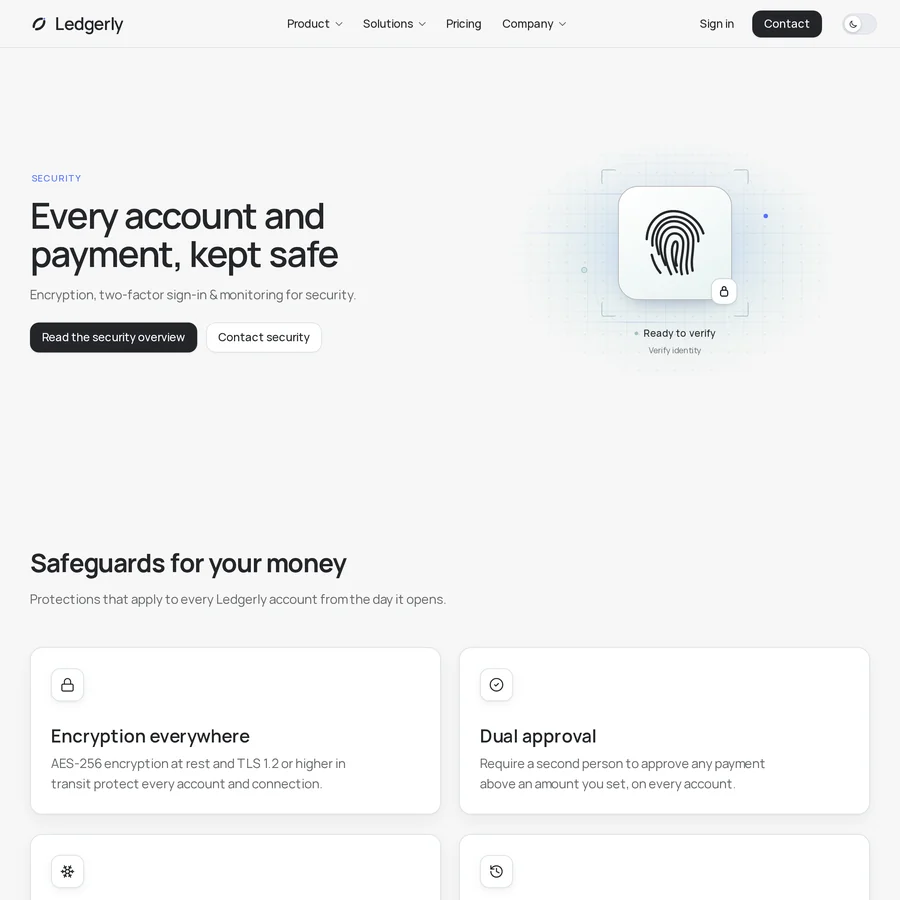
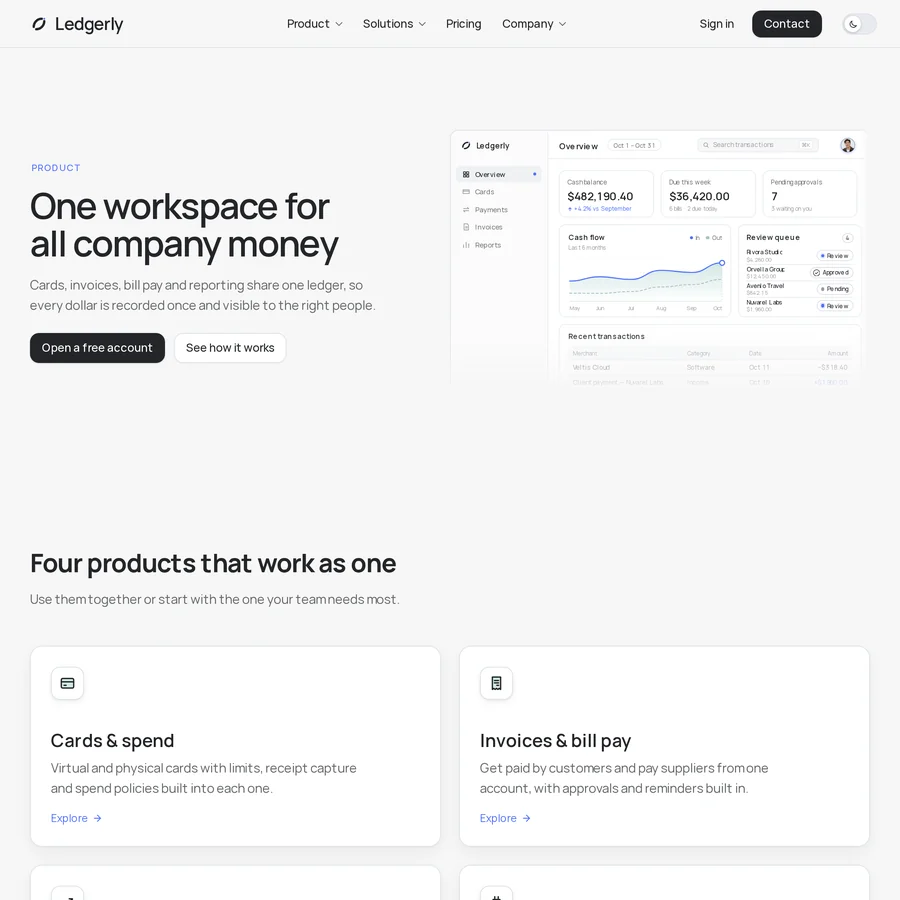
In practice that means a page for every product, a pricing page with real numbers, a full security page, the legal documents your licence asks for, and company pages that show who is behind it.
Product pages visitors can try
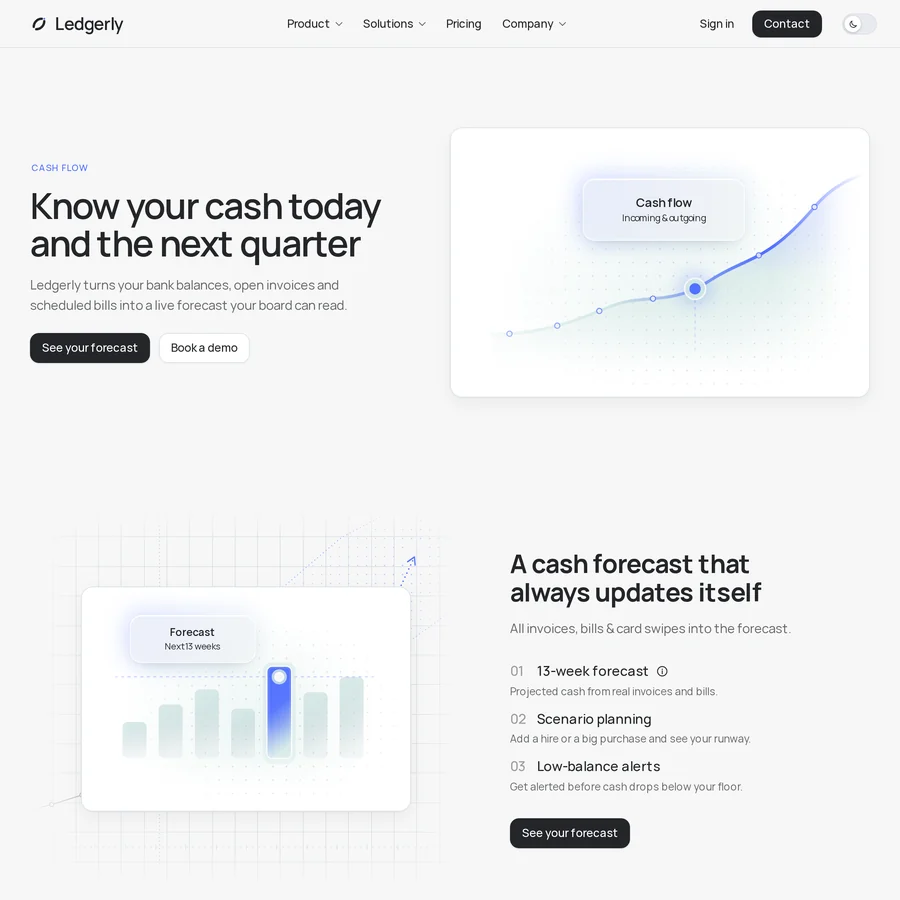
Ledgerly's product pages are built around working components. On the cards page, visitors turn a dial to set a card limit. The cash flow page has a runway calculator that shows how many months the cash lasts, and the payments page has a currency calculator that converts as they type. They are components in Framer, so you change the numbers, labels and colours like any other text.
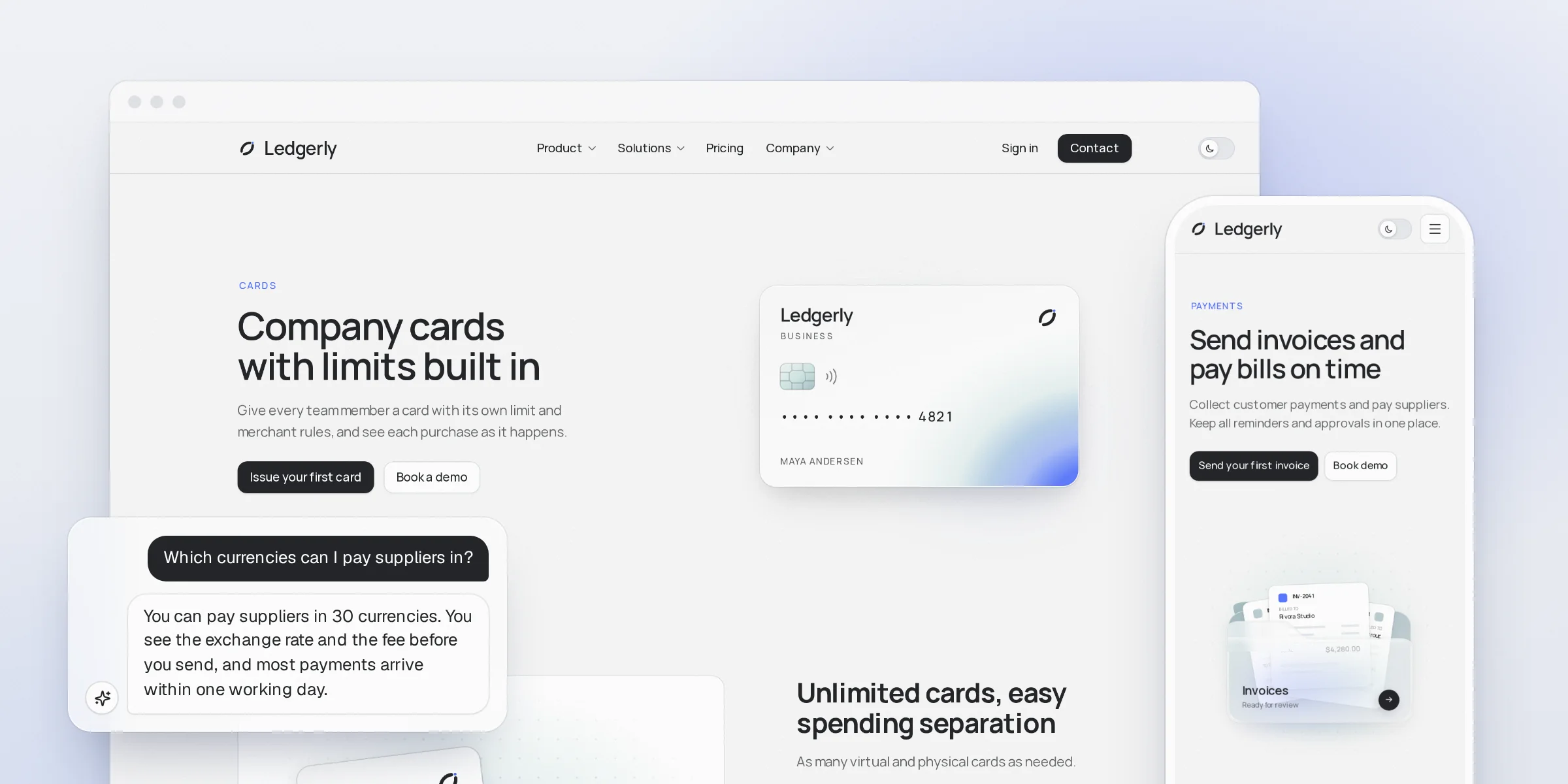
An AI assistant that answers your visitors
Ledgerly comes with Lumi, an AI assistant built into the template. Visitors open it from the button in the corner of the page and ask their questions without leaving it. Lumi answers from a list of questions and answers that you write, so it works the moment you publish, with no setup and no AI costs. Having a developer build an assistant like this into a website is usually a project of its own; in Ledgerly it is designed and ready, and its answers are text you edit.
For a fintech company, that list is your support FAQ: which currencies you support, how long a payout takes, what a card costs and what happens when a payment fails. When a question needs a person, Lumi passes the visitor to your support email and shows your support hours.
Which currencies can I pay suppliers in?
You can pay suppliers in 30 currencies. You see the exchange rate and the fee before you send, and most payments arrive within one working day.
Making it yours takes three steps, and the setup guide covers each one: give it your name and welcome message, paste in your own answers or let the included AI editing skill write them from your FAQ page, and add your support email and hours. If you want Lumi to answer with a live AI model, the guide includes the server code and the steps to connect it, and we help by email if you get stuck.
How to set up Ledgerly for a fintech company
- Set your colours, fonts and logo in Framer's styles. Every page follows, in the light and the dark theme.
- Rename the product pages after your products and replace the screenshots, limits and fees with yours.
- Put your plans and fees on the pricing page, in the currencies you sell in.
- Rewrite the security page around your own safeguards, and add your terms, privacy notice and other documents to the legal collection.
- Give Lumi your answers and your support email.
- Connect your domain and publish.
Before you publish
Fintech websites usually have to show regulatory information, such as who authorises you and how customer money is protected. Ledgerly's footer is on every page and the legal collection starts with 9 documents, each on its own page, so there is room for all of it. What you have to show depends on your licences and your markets, so have it checked before you go live.
What it costs
Ledgerly is $79, paid once, for one website, yours or a client's. A free Framer account is enough to remix and edit it; publishing on your own domain takes a Framer site plan that includes the CMS, paid to Framer. With it you get a setup guide that covers every page, the AI editing skills, Lumi's server code, free updates for as long as the template exists and email support from us, the studio that built it.