
What should a financial advisor's website include?
People choosing an adviser or a consultant usually compare a few names side by side. They want to see who you work with, how you work, how your fees are set and who they will speak to. When those four things are easy to find, they book a call. Each of them has a place in Ledgerly:
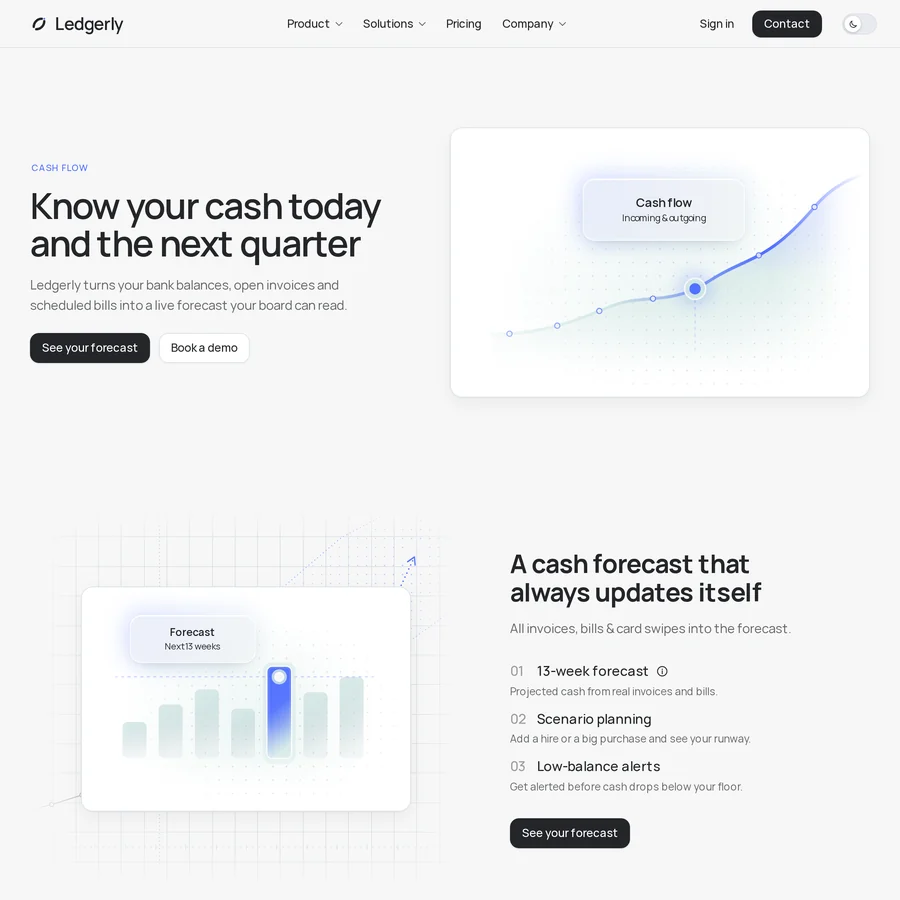
- The product pages become your service pages: financial planning, investments, fractional CFO work, or the areas you consult on.
- The flow in three steps on the home page becomes your process, from the first call to a written plan.
- Solutions becomes the clients you work with, each with a story from the customer stories collection.
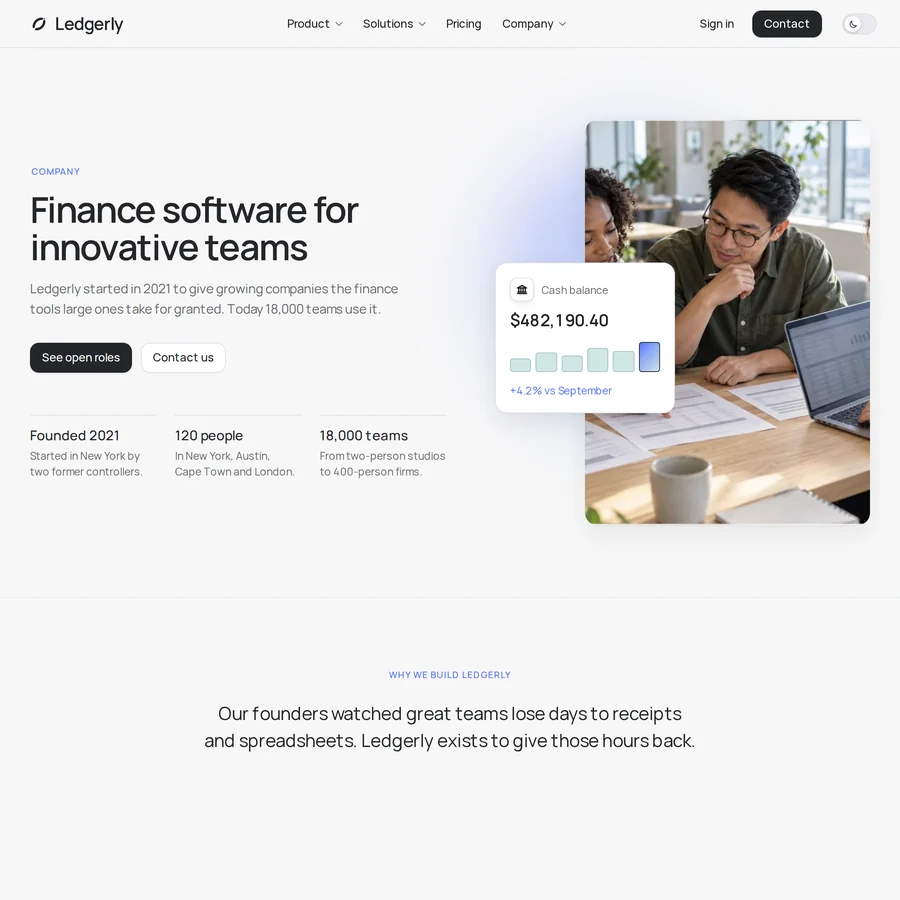
- Company shows the people and the milestones, because clients want to know who is behind the advice.
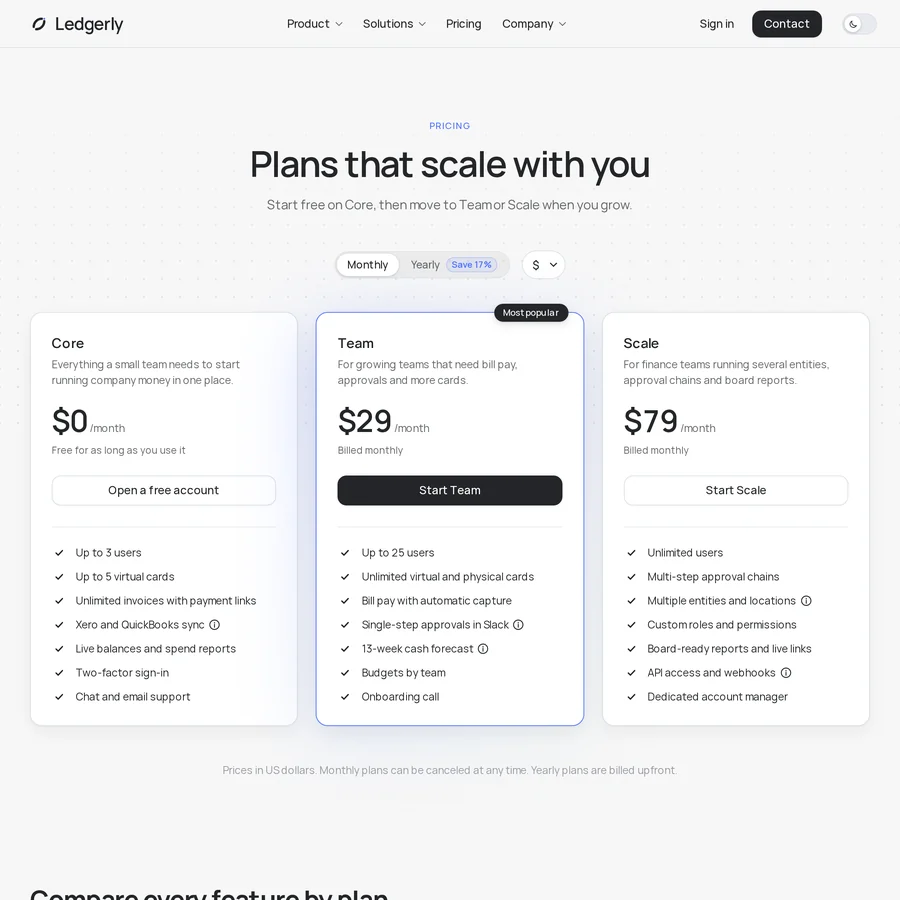
- Pricing shows your packages or retainers, or explains how your fees work.
- Contact has a message form and room for your office addresses.
For management, IT and business consultants too
Nothing in the structure is specific to finance. A management, business or technology consultancy uses the same pages: services, how you work, the sectors you know with case studies, the team and a blog for your thinking. The finance visuals are images and components you replace, and the colours change in one place.
An AI assistant for questions before the first meeting
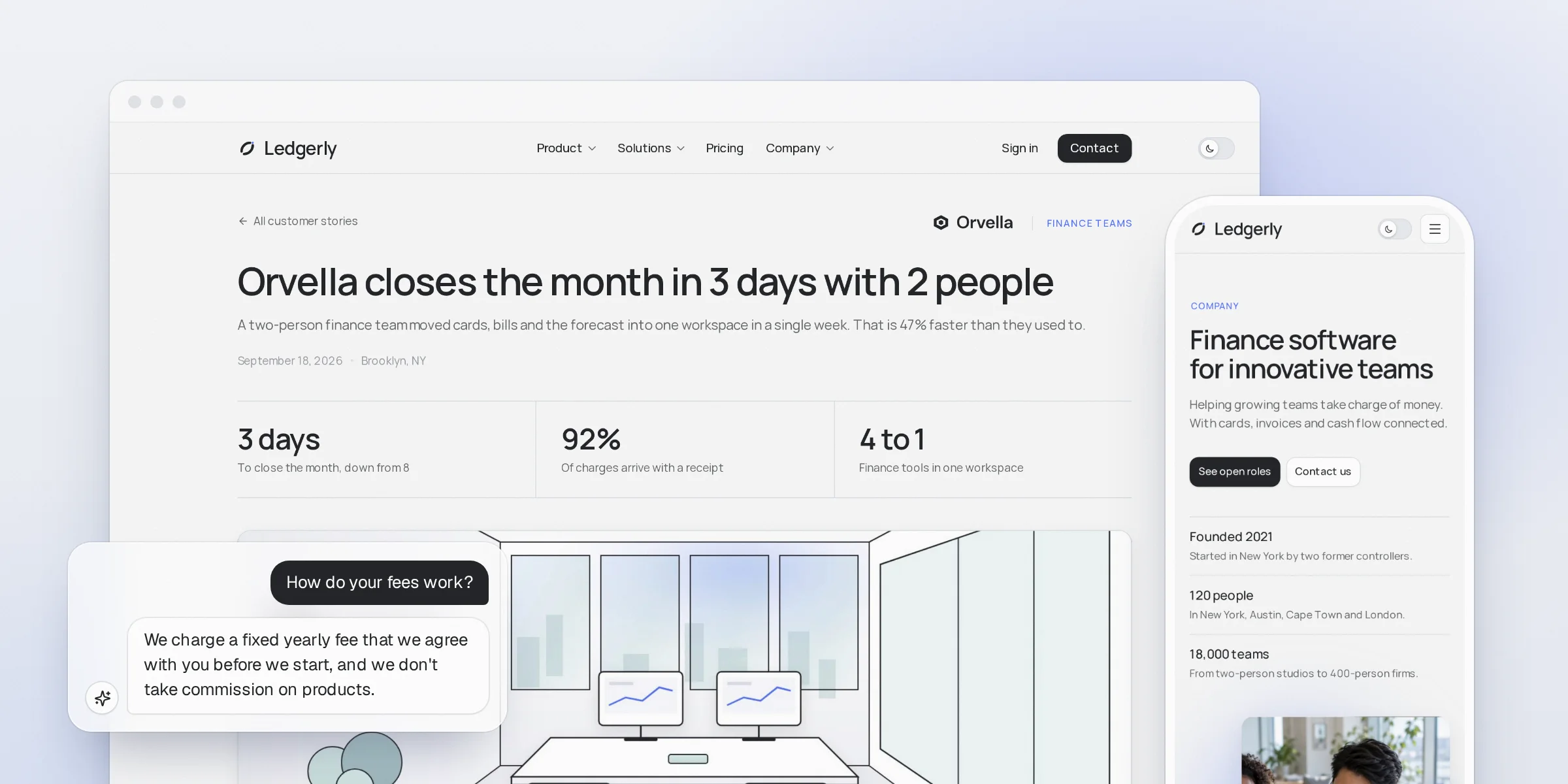
Ledgerly comes with Lumi, an AI assistant built into the template. Visitors open it from the button in the corner of the page and ask their questions without leaving it. Lumi answers from a list of questions and answers that you write, so it works the moment you publish, with no setup and no AI costs. Having a developer build an assistant like this into a website is usually a project of its own; in Ledgerly it is designed and ready, and its answers are text you edit.
Clients often want the basics before a first meeting: whether you work with people like them, how fees work, whether there is a minimum and what the first meeting looks like. Lumi can answer those from your text and pass anything personal to you by email. Keep its answers to how you work, and leave advice about someone's own money for the meeting.
How do your fees work?
We charge a fixed yearly fee that we agree with you before we start, and we don't take commission on products. The first meeting is free and takes about an hour.
Making it yours takes three steps, and the setup guide covers each one: give it your name and welcome message, paste in your own answers or let the included AI editing skill write them from your FAQ page, and add your support email and hours. If you want Lumi to answer with a live AI model, the guide includes the server code and the steps to connect it, and we help by email if you get stuck.
How to set up Ledgerly for an advisory firm
- Set your colours, fonts and logo in Framer's styles. Every page follows, in the light and the dark theme.
- Turn the product pages into your services.
- Write your process into the three steps on the home page.
- Introduce the people who give the advice on the company page.
- Explain your fees on the pricing page, as packages, retainers or in a few sentences.
- Add your disclosures to the legal collection.
- Give Lumi your answers, connect your domain and publish.
Disclosures and fine print
Advisers often have to show specific disclosures, and Ledgerly's legal collection gives you 9 pages in the CMS to start from, linked from the footer on every page. What you have to publish depends on where you are registered and what you advise on, so check it before you go live.
What it costs
Ledgerly is $79, paid once, for one website, yours or a client's. A free Framer account is enough to remix and edit it; publishing on your own domain takes a Framer site plan that includes the CMS, paid to Framer. With it you get a setup guide that covers every page, the AI editing skills, Lumi's server code, free updates for as long as the template exists and email support from us, the studio that built it.