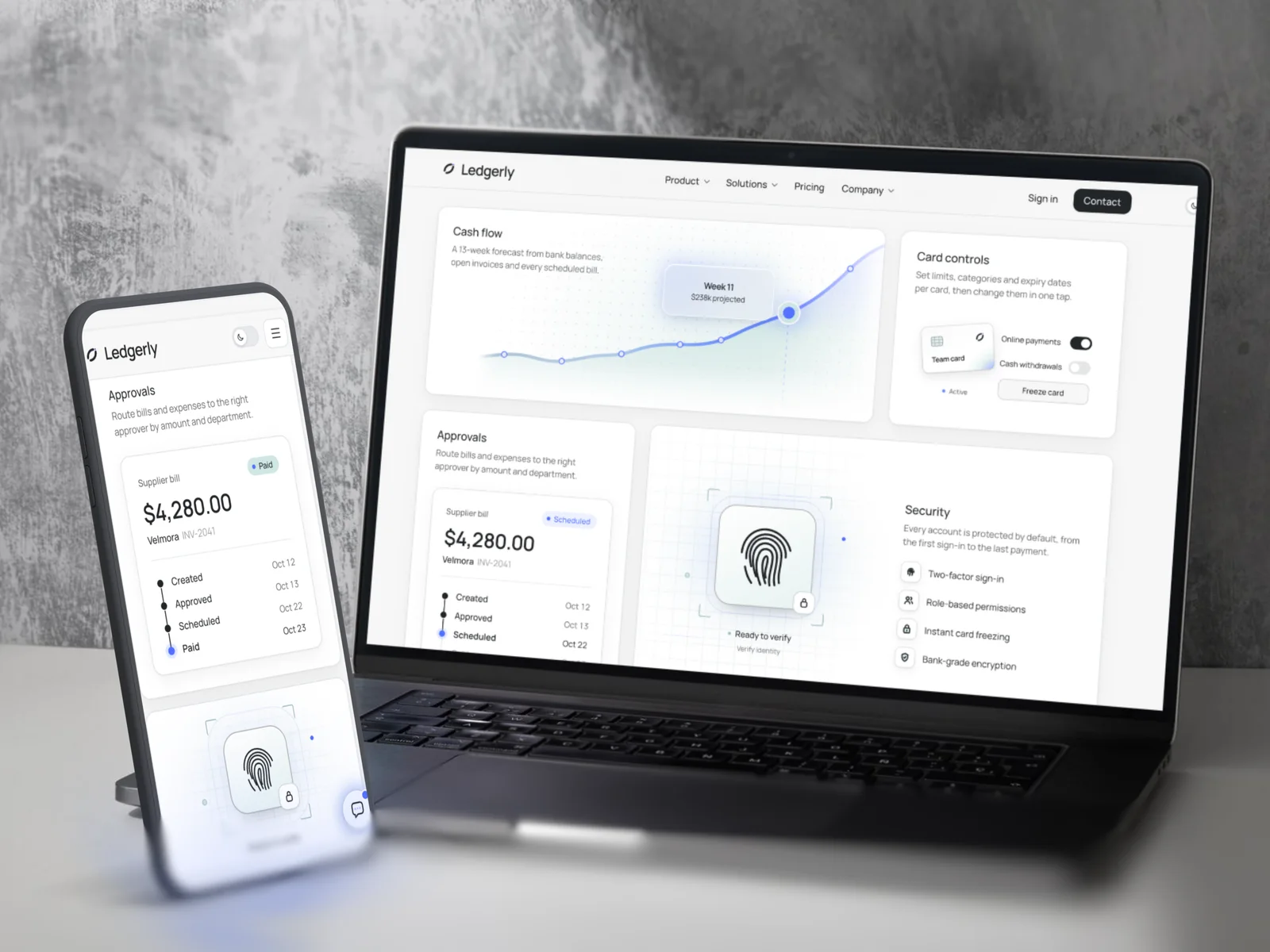

What should a bank website include?
Whether someone is opening a business account or comparing neobanks, the questions are the same: what an account includes, what it costs, how their money is protected and who to talk to when something goes wrong. A bank's website answers those in plain words on its main pages and keeps the fine print one click away, in the footer of every page.
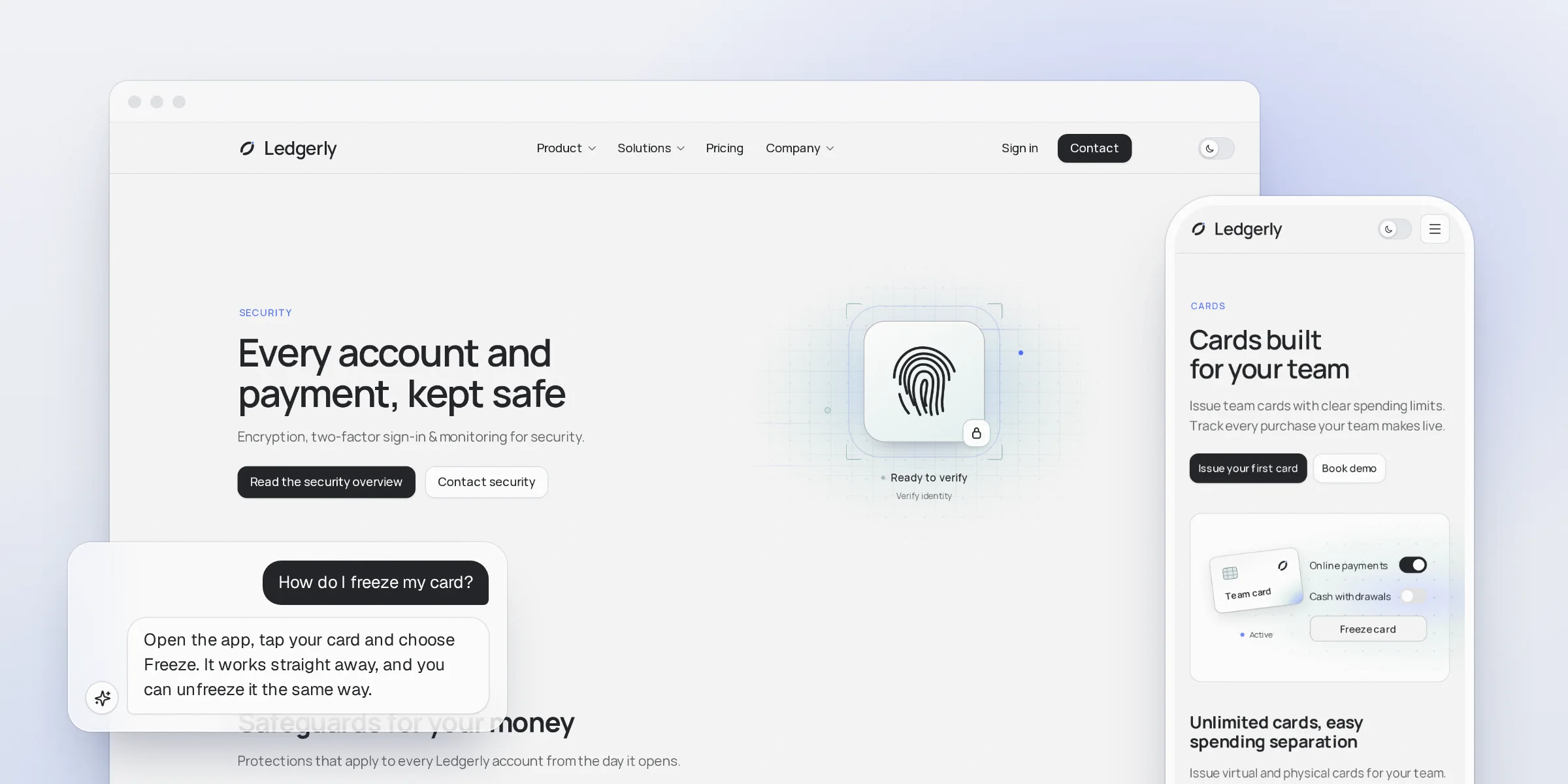
Most of those visitors will look at it on their phone. Every Ledgerly page is designed for desktop, tablet and phone, so the site reads as well in a mobile browser as it does on a laptop.
Business banking, personal banking or a neobank
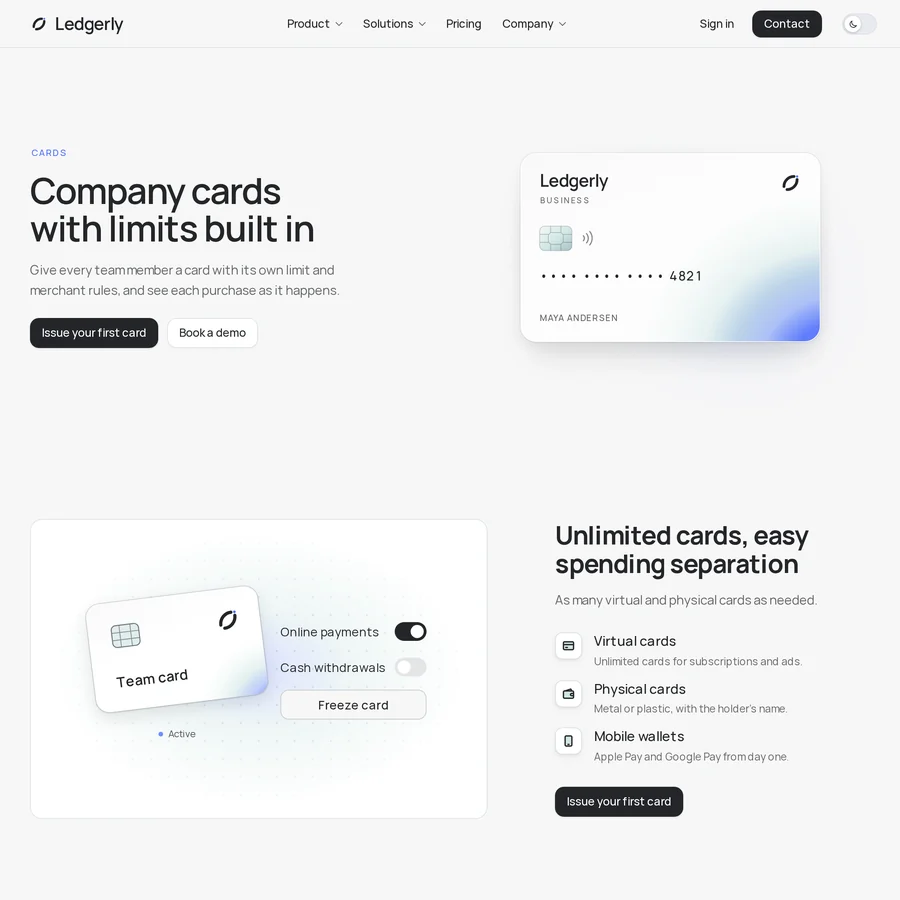
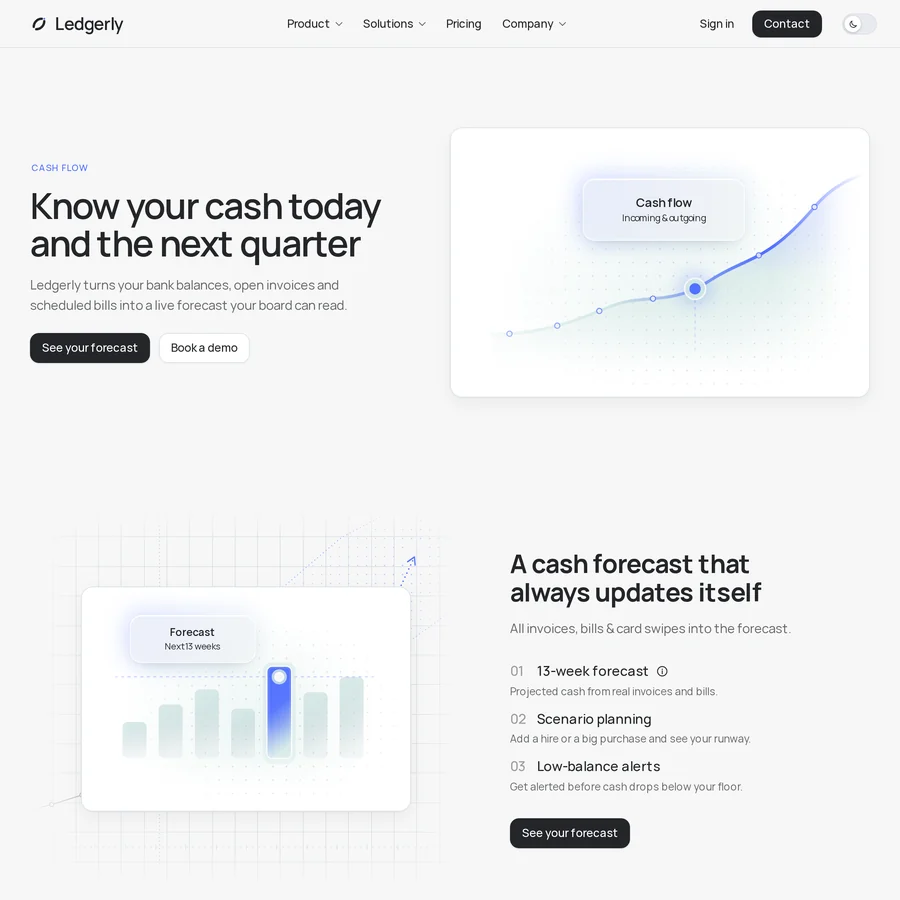
The demo company is a business finance product, so business banks and business neobanks can use most pages almost as they are. For personal banking the structure stays and the words change: company cards become debit cards, the cash flow page becomes budgeting or savings, and the solutions page speaks to the people you serve.
An AI assistant for your customers' questions
Ledgerly comes with Lumi, an AI assistant built into the template. Visitors open it from the button in the corner of the page and ask their questions without leaving it. Lumi answers from a list of questions and answers that you write, so it works the moment you publish, with no setup and no AI costs. Having a developer build an assistant like this into a website is usually a project of its own; in Ledgerly it is designed and ready, and its answers are text you edit.
For a bank, that list holds the questions your support team answers every day: how to freeze a card, how long a transfer takes, what an account costs and how deposits are protected. When someone needs a person, Lumi passes them to your support email with your opening hours. Keep the answers to how your bank works and point to your terms for the exact rules.
How do I freeze my card?
Open the app, tap your card and choose Freeze. It works straight away, and you can unfreeze it the same way. If you've lost your phone too, call the number on our contact page.
Making it yours takes three steps, and the setup guide covers each one: give it your name and welcome message, paste in your own answers or let the included AI editing skill write them from your FAQ page, and add your support email and hours. If you want Lumi to answer with a live AI model, the guide includes the server code and the steps to connect it, and we help by email if you get stuck.
How to set up Ledgerly for a bank
- Set your colours, fonts and logo in Framer's styles. Every page follows, in the light and the dark theme.
- Rename the product pages after your accounts and cards, and replace the limits and fees with yours.
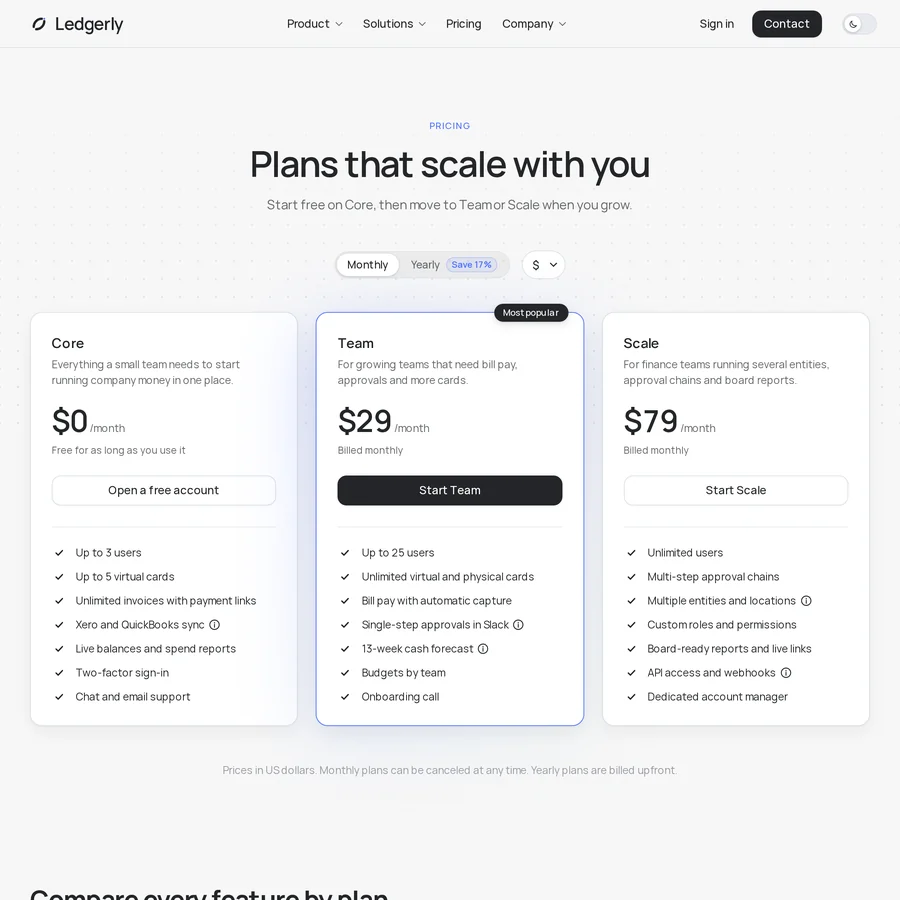
- Turn the pricing page into your account tiers and fees.
- Rewrite the security page around how you protect deposits and payments.
- Add your terms, privacy notice and regulatory documents to the legal collection.
- Link the sign-in button to your banking app, give Lumi your answers and publish.
Before you publish
Banks usually have to show who authorises them and how deposits are protected, often on every page. Ledgerly's footer appears on every page and the legal collection holds as many documents as you need. What exactly you have to show depends on your licence and your country, so check it with your compliance team before you go live.
What it costs
Ledgerly is $79, paid once, for one website, yours or a client's. A free Framer account is enough to remix and edit it; publishing on your own domain takes a Framer site plan that includes the CMS, paid to Framer. With it you get a setup guide that covers every page, the AI editing skills, Lumi's server code, free updates for as long as the template exists and email support from us, the studio that built it.