
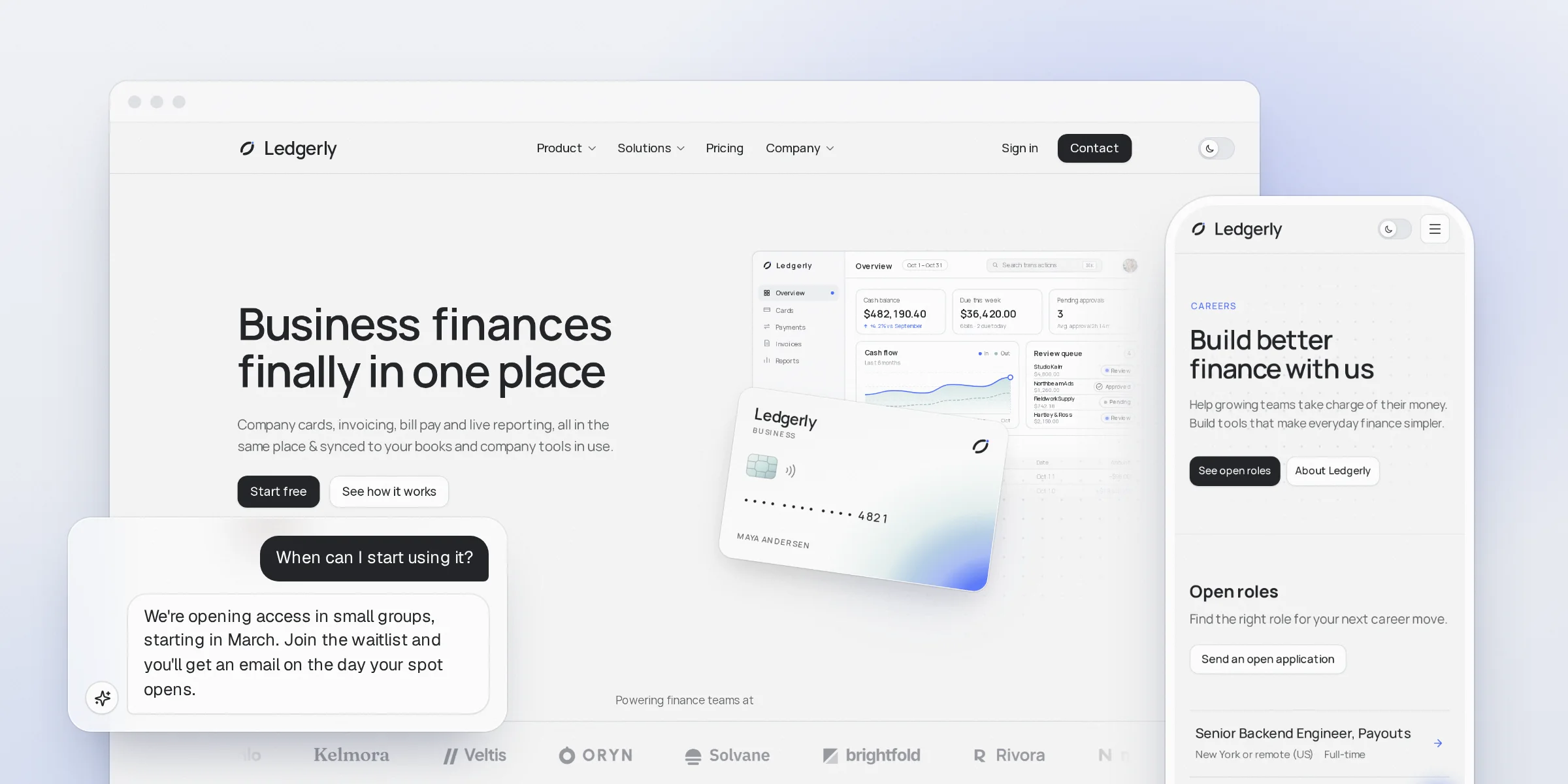
Before launch: a clear story and a waitlist
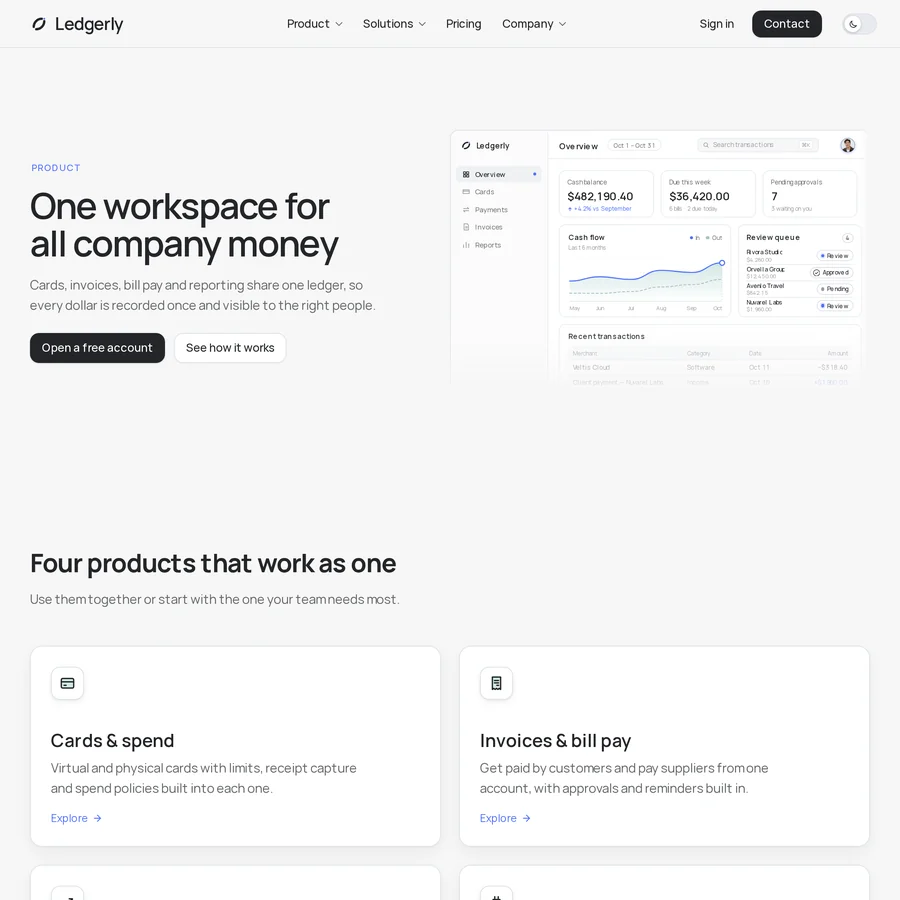
Early on, the website has one job: explain the problem you solve well enough that the right people leave their email. Ledgerly's home page tells a product story in sections, and the waitlist page collects early access sign-ups, so you can go live before the product is ready.
At launch: product, pricing and customer stories
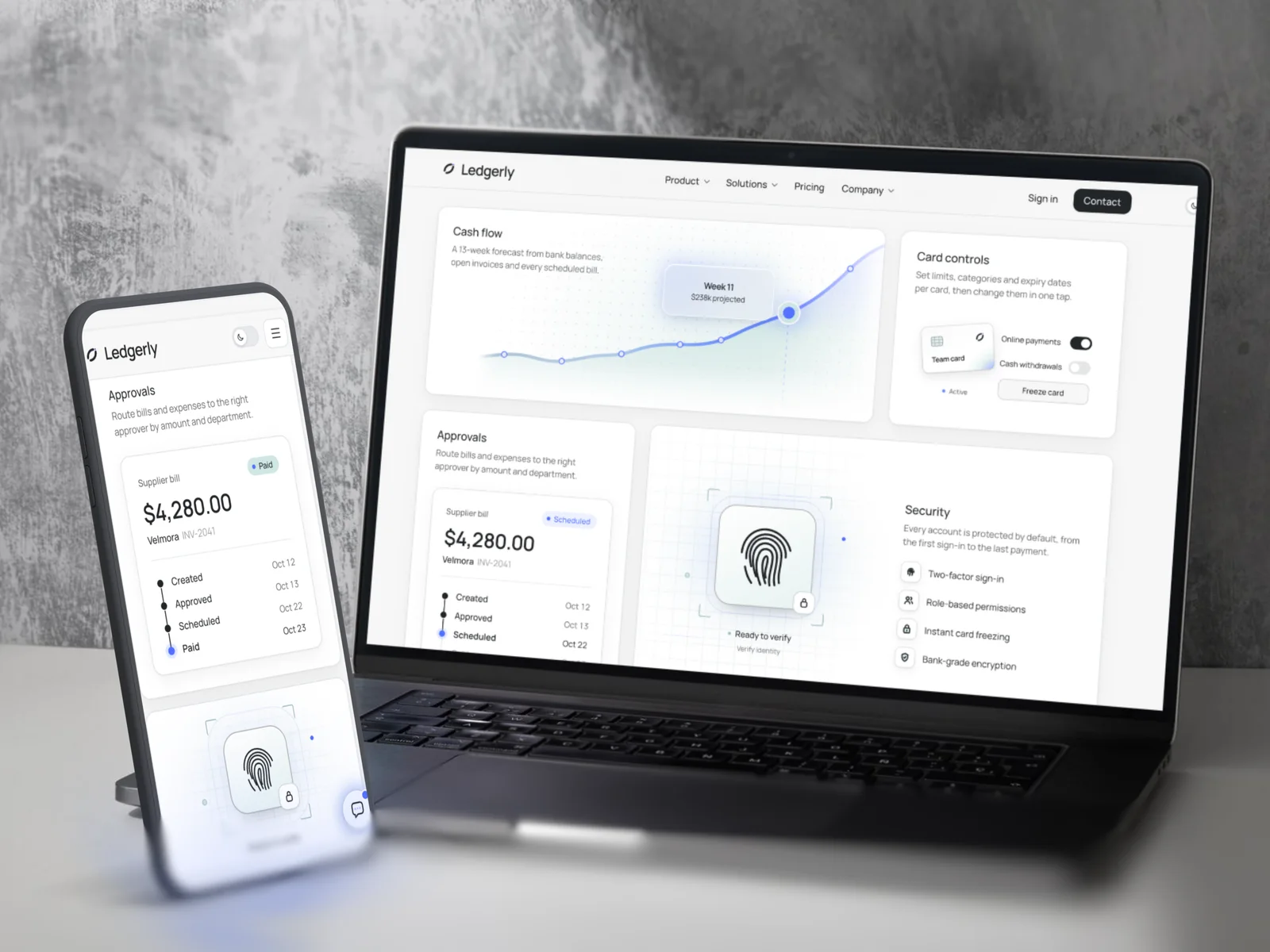
Once people can sign up, they want to understand what they get and what it costs. The product pages explain each part of your product with its own visual, the pricing page shows plans with a monthly and yearly switch, and the customer stories give your first users a place to speak for you.
As you grow: company, careers and a blog
Investors and candidates read your website too. The company page carries your milestones, the team and your offices, the careers page lists open roles from the CMS, and the blog gives you a place for announcements and articles. All of it is designed already, so adding a page later means writing it.
Why start from a template
A website designed from scratch takes weeks, and every change after that is another job for a designer. A template can go live the same week, costs a fixed amount once and stays fully editable by your team. When your brand changes, you change the colour styles and fonts in one place and the whole site follows.
An AI assistant that answers early questions
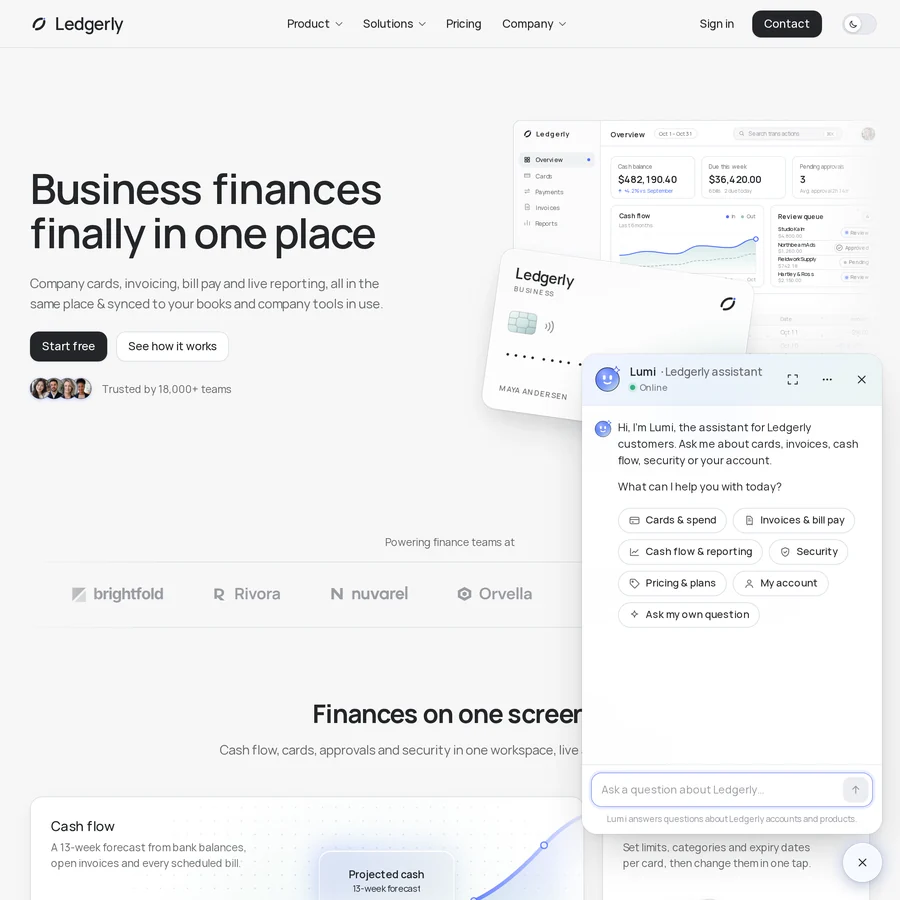
Ledgerly comes with Lumi, an AI assistant built into the template. Visitors open it from the button in the corner of the page and ask their questions without leaving it. Lumi answers from a list of questions and answers that you write, so it works the moment you publish, with no setup and no AI costs. Having a developer build an assistant like this into a website is usually a project of its own; in Ledgerly it is designed and ready, and its answers are text you edit.
Early on, the same questions arrive again and again: when you launch, what it will cost, who it's for and whether you're hiring. Lumi answers them on every page from your text, so the founders don't have to answer each one by email.
When can I start using it?
We're opening access in small groups, starting in March. Join the waitlist and you'll get an email on the day your spot opens.
Making it yours takes three steps, and the setup guide covers each one: give it your name and welcome message, paste in your own answers or let the included AI editing skill write them from your FAQ page, and add your support email and hours. If you want Lumi to answer with a live AI model, the guide includes the server code and the steps to connect it, and we help by email if you get stuck.
How to set up Ledgerly for a startup
- Start with the home page and the waitlist page, and point every button to the waitlist.
- Set your colours, fonts and logo in Framer's styles. Every page follows, in the light and the dark theme.
- Add the product and pricing pages when you launch.
- Fill in the company and careers pages as you grow.
- Give Lumi your answers, connect your domain and publish.
What it costs
Ledgerly is $79, paid once, for one website, yours or a client's. A free Framer account is enough to remix and edit it; publishing on your own domain takes a Framer site plan that includes the CMS, paid to Framer. With it you get a setup guide that covers every page, the AI editing skills, Lumi's server code, free updates for as long as the template exists and email support from us, the studio that built it.