
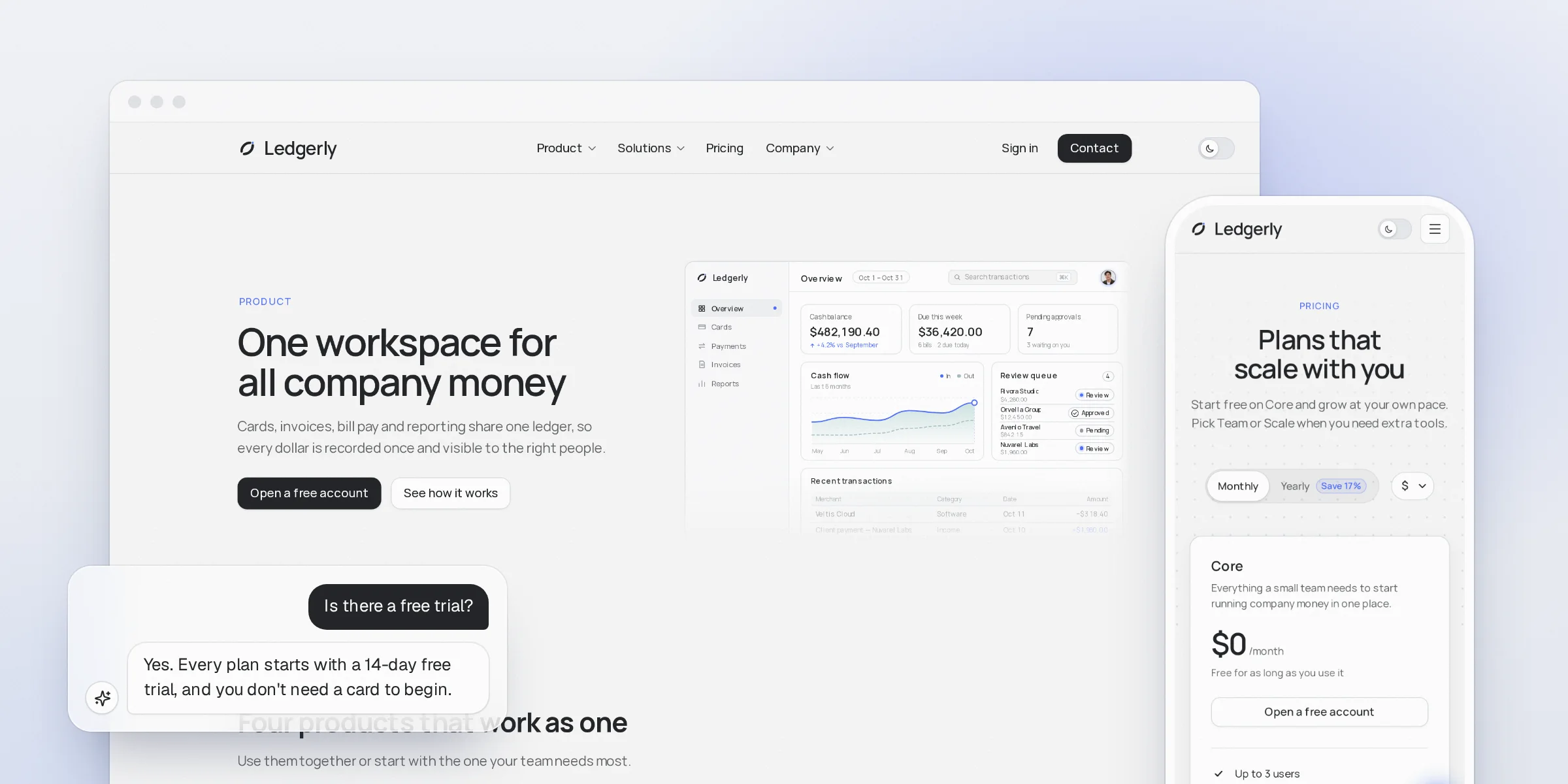
What should a SaaS website include?
Before launch, a single page and a sign-up form can carry you, and Ledgerly includes a waitlist page for that stage. After launch, buyers look for more:
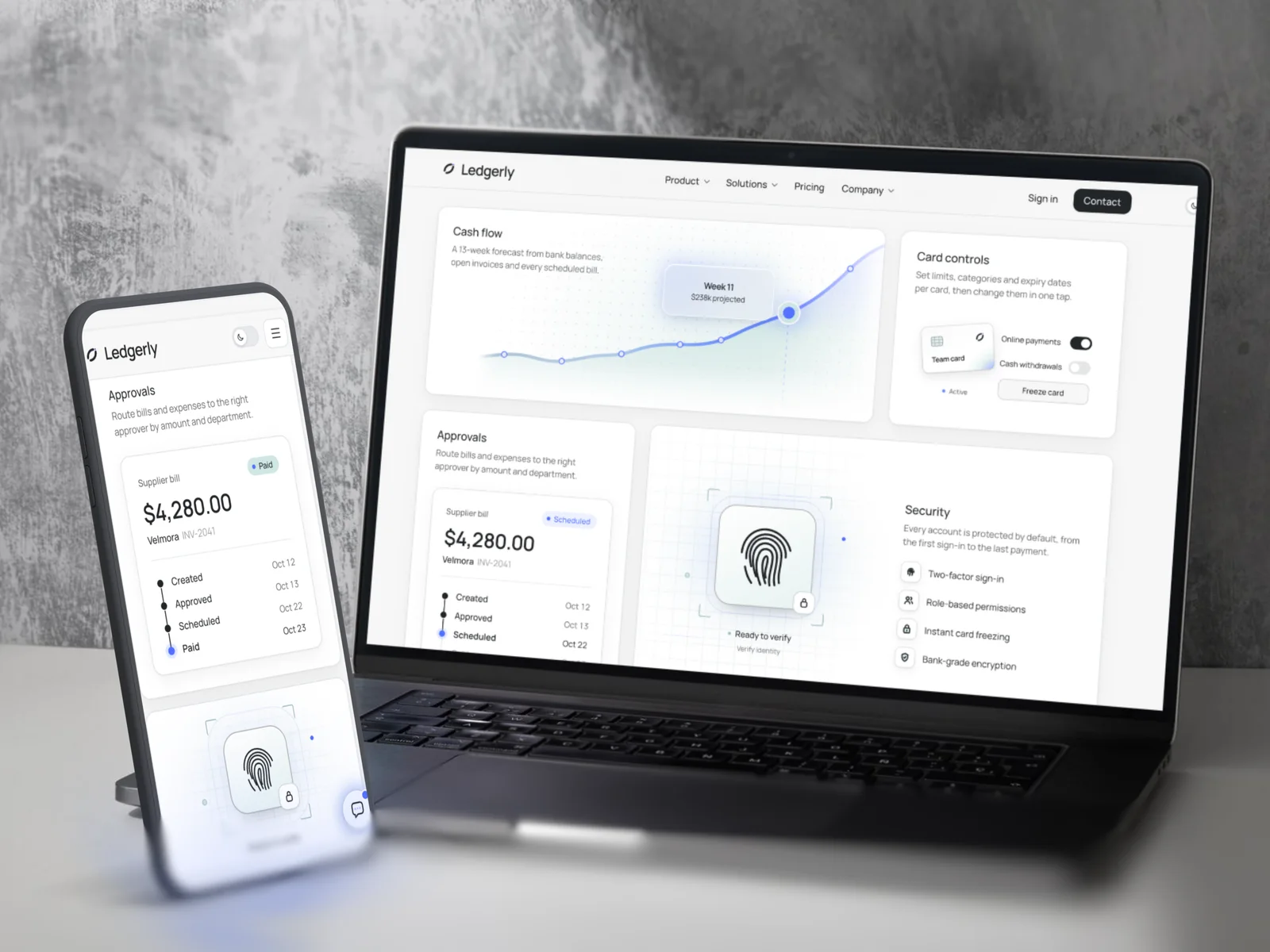
- A home page with the product on one screen, a short flow of how it works, testimonials, plans and a FAQ.
- Product pages, one per feature or module, each with its own visual.
- Solutions by team or use case, with customer stories.
- Pricing with plans, a monthly and yearly switch, currencies and a feature comparison.
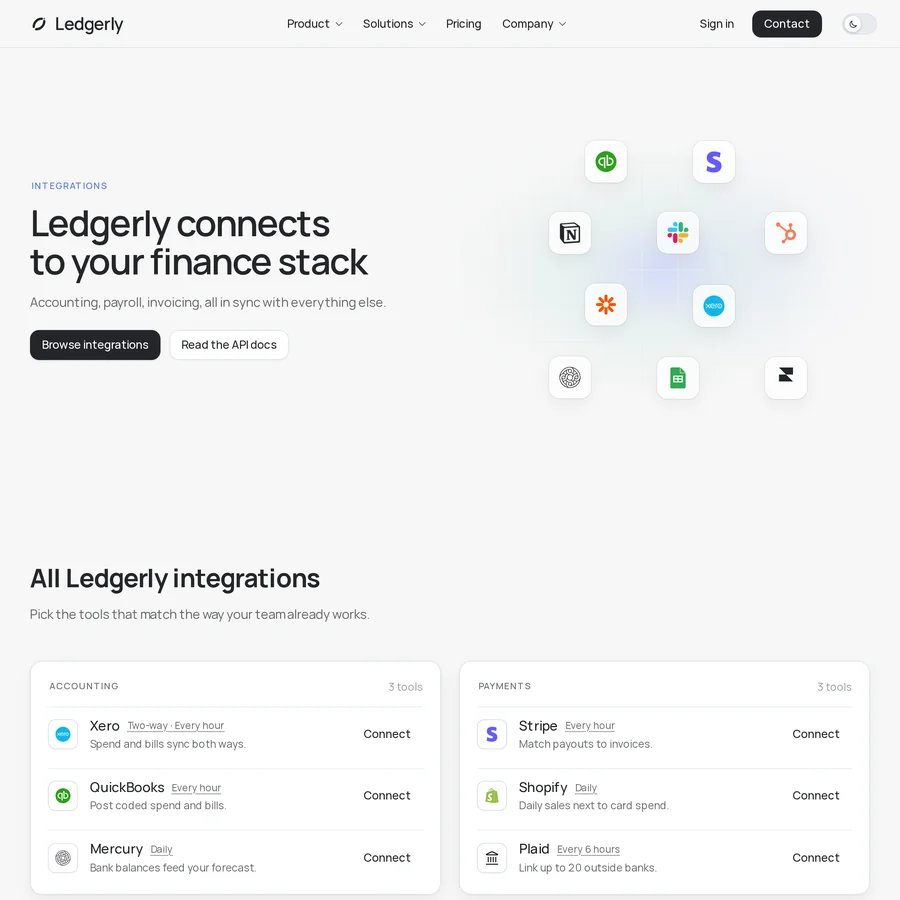
- Integrations, with a directory and a section for your API.
- Security, careers, a blog, a FAQ and contact.
Ledgerly has each of these ready, 49 pages in all, with the blog, customer stories, open roles and legal documents in Framer's CMS.
A pricing page people can read
People leave a pricing page when they can't find the numbers or have to book a call to see them. Ledgerly's pricing page shows three plans side by side, switches between monthly and yearly and between currencies, and follows with a full comparison table, a section for customers switching from another provider and a billing FAQ. Rename the plans and change the numbers, and the layout stays.
An AI assistant for questions before people sign up
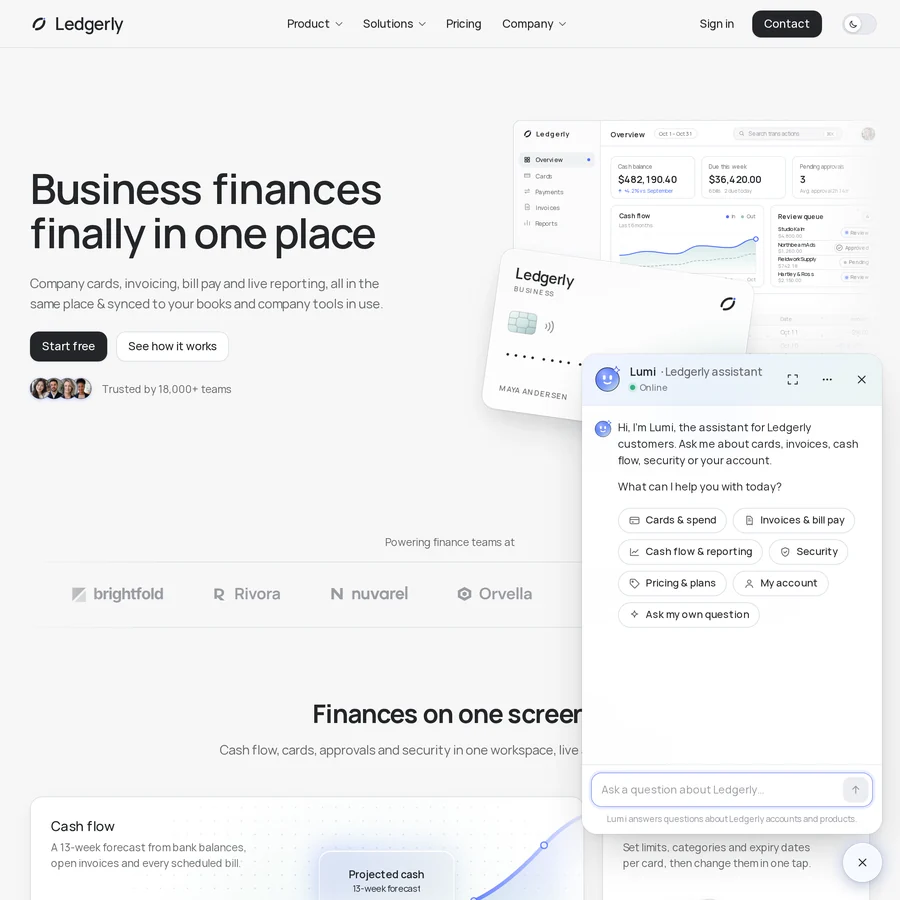
Ledgerly comes with Lumi, an AI assistant built into the template. Visitors open it from the button in the corner of the page and ask their questions without leaving it. Lumi answers from a list of questions and answers that you write, so it works the moment you publish, with no setup and no AI costs. Having a developer build an assistant like this into a website is usually a project of its own; in Ledgerly it is designed and ready, and its answers are text you edit.
For a SaaS company, Lumi takes the first questions buyers ask: whether there is a free trial, which plan includes a feature, whether you integrate with a tool they use and how billing works. It answers from your text at any hour and sends anything it can't answer to your support email.
Is there a free trial?
Yes. Every plan starts with a 14-day free trial, and you don't need a card to begin. You can change plans or cancel from your settings at any time.
Making it yours takes three steps, and the setup guide covers each one: give it your name and welcome message, paste in your own answers or let the included AI editing skill write them from your FAQ page, and add your support email and hours. If you want Lumi to answer with a live AI model, the guide includes the server code and the steps to connect it, and we help by email if you get stuck.
How to set up Ledgerly for a SaaS company
- Set your colours, fonts and logo in Framer's styles. Every page follows, in the light and the dark theme.
- Rename the product pages after your features and swap in your screenshots.
- Set your plans, prices and the comparison table on the pricing page.
- List your integrations and link to your API documentation.
- Replace the customer stories with your first customers' stories.
- Lead with the waitlist page if you are not live yet, and point the buttons to sign-up when you are.
- Give Lumi your answers and publish.
Customer stories and results
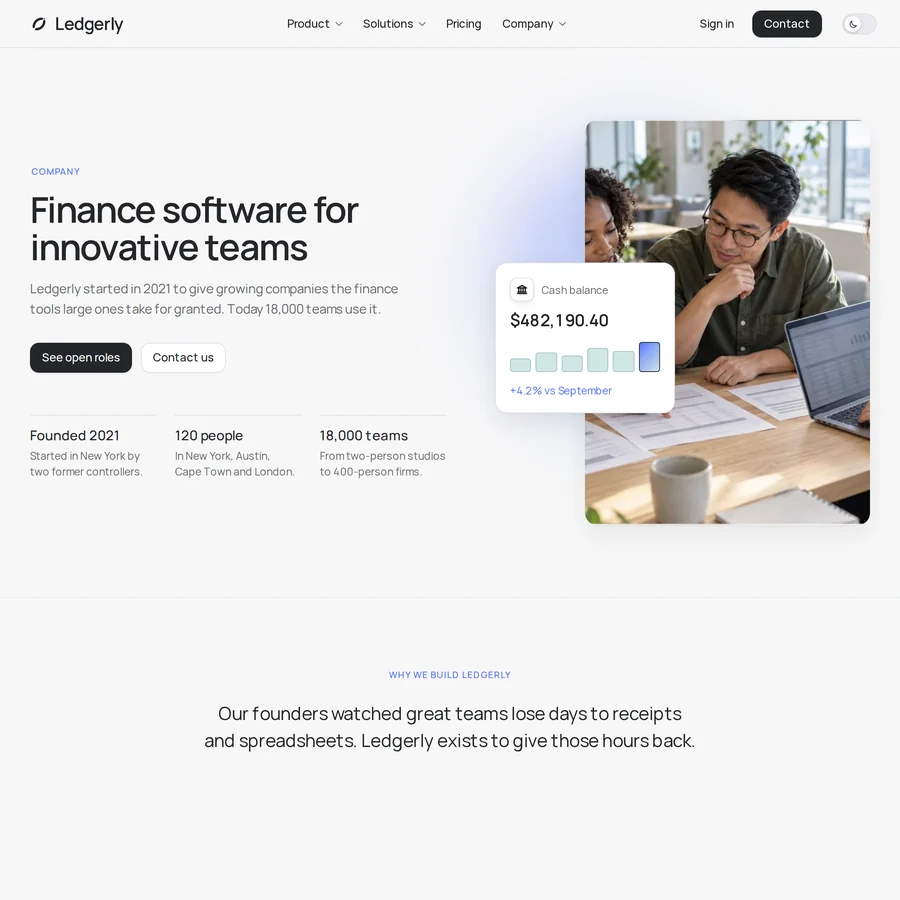
The customer stories collection holds 4 full stories, each on its own page, and the home and solutions pages carry animated stats and testimonials. Replace the made-up customers with your first real ones as soon as you have them.
What it costs
Ledgerly is $79, paid once, for one website, yours or a client's. A free Framer account is enough to remix and edit it; publishing on your own domain takes a Framer site plan that includes the CMS, paid to Framer. With it you get a setup guide that covers every page, the AI editing skills, Lumi's server code, free updates for as long as the template exists and email support from us, the studio that built it.