
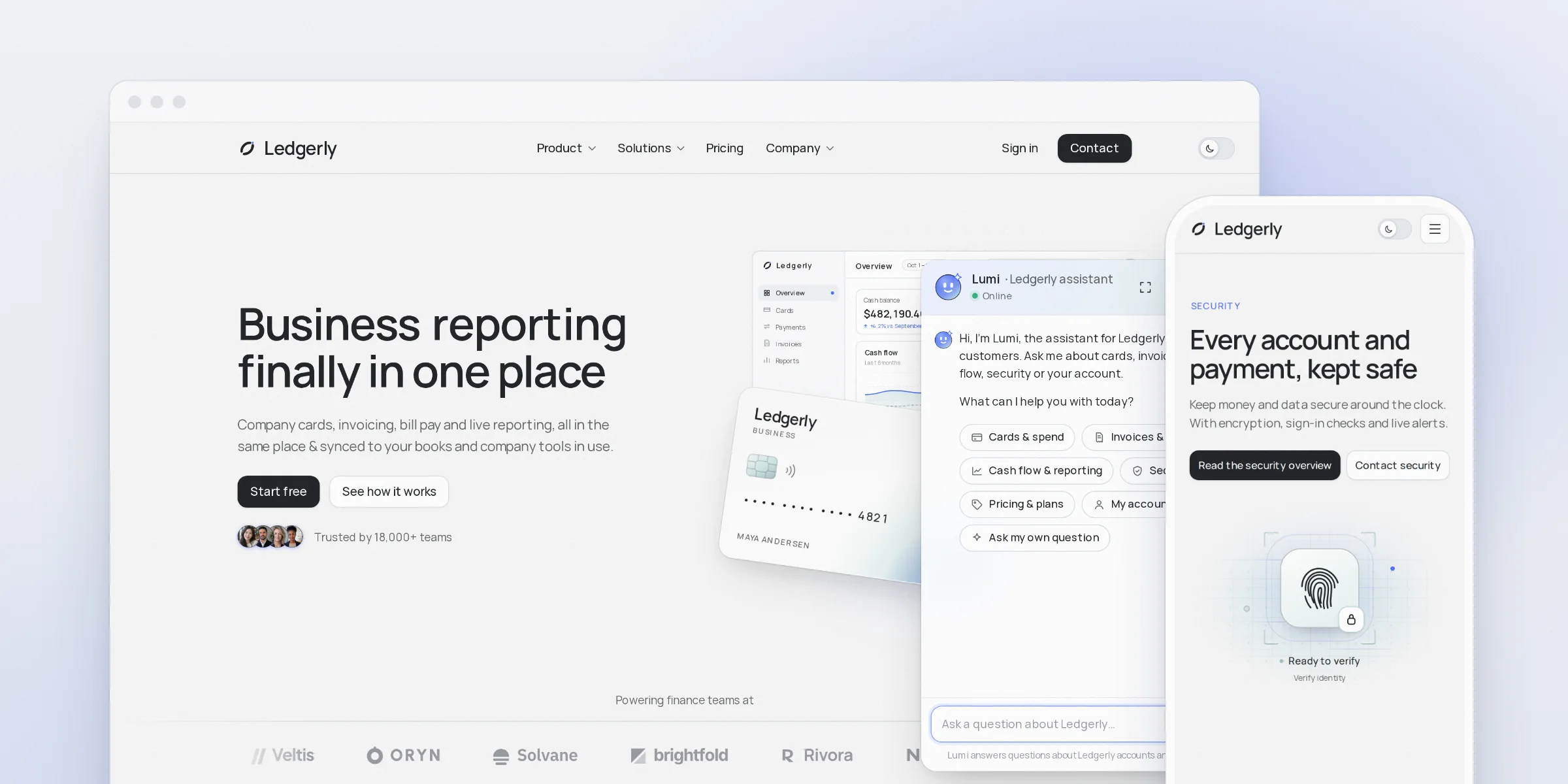
What should an AI company's website include?
Visitors arrive at an AI company's website with two questions: what does it actually do, and can I trust it with my data. The sites that keep their attention show the product at work, explain where it fits into someone's day, and are open about security and pricing. That takes more than one page:
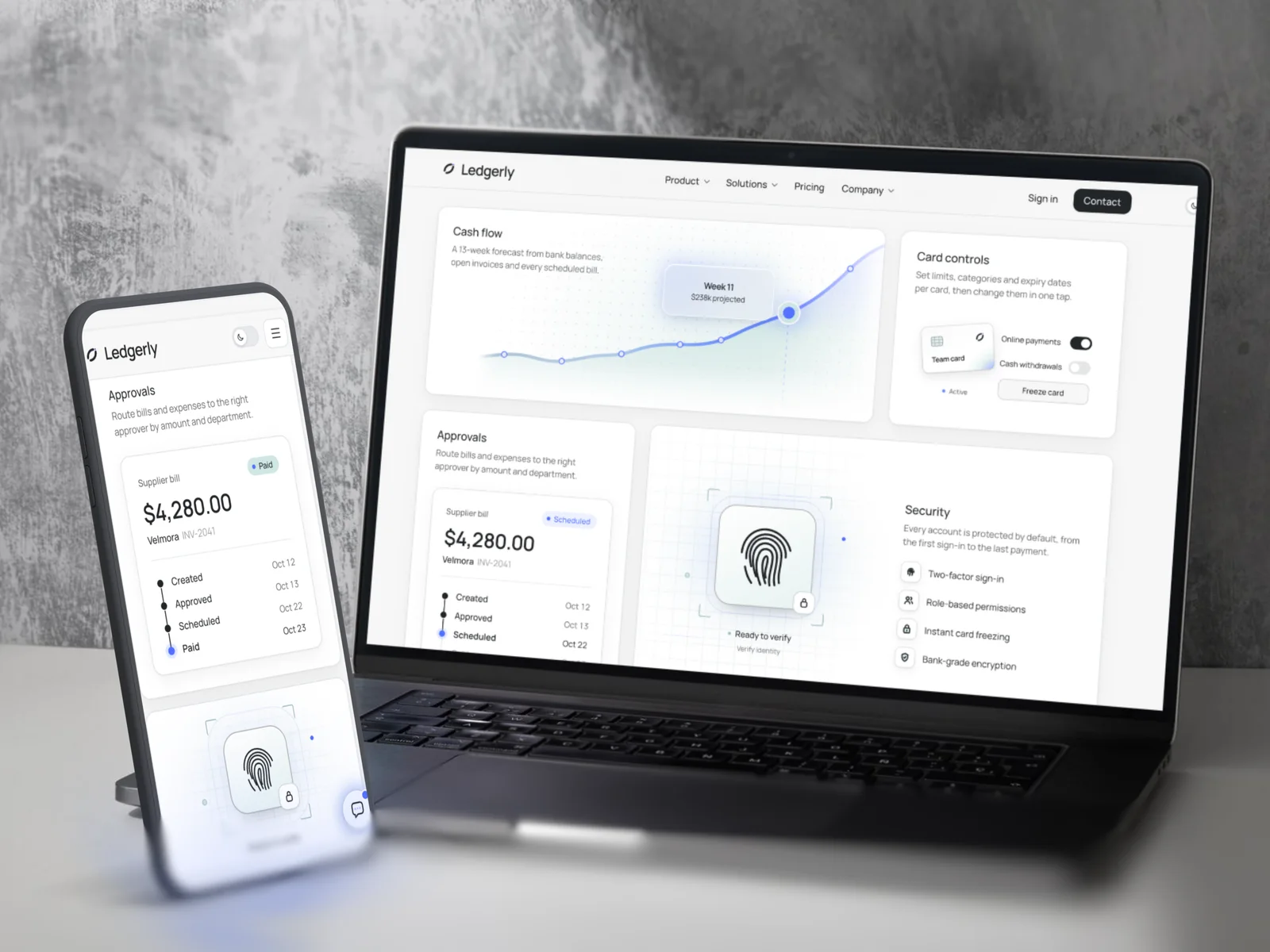
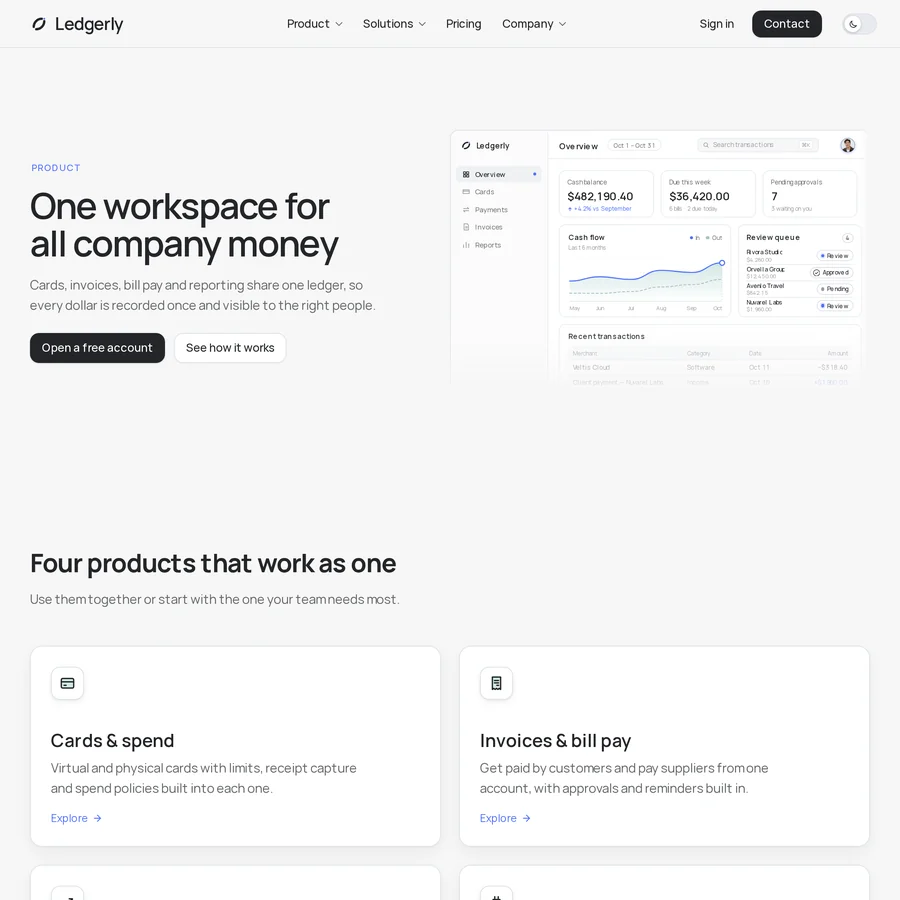
- A home page that shows the product on one screen, with animated cards you point at your own features.
- Product pages, each with its own interactive piece. The calculators and the limit dial work for anything with numbers, limits or prices.
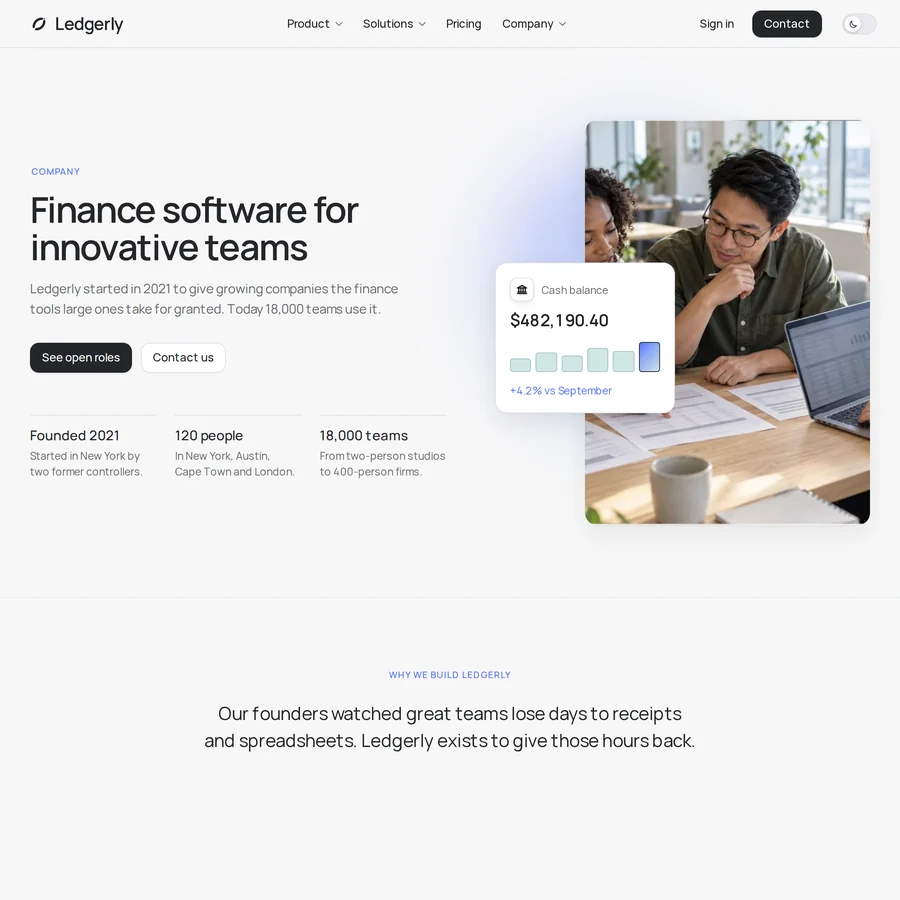
- Solutions organised by team or use case, with customer stories and a before and after slider.
- Pricing with a monthly and yearly switch, currencies and a plan comparison.
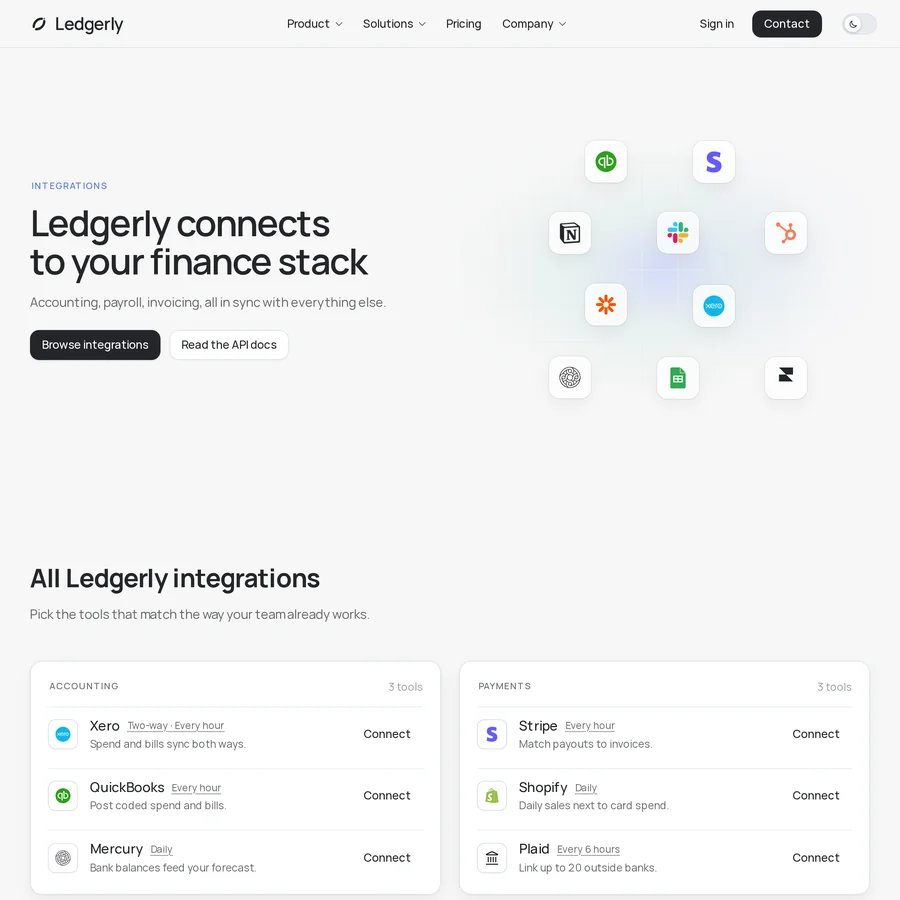
- Integrations, with a section for your API.
- Security, covering encryption, approvals, audit history and a security FAQ.
- Waitlist and sign-in pages, so you can launch before you open to everyone.
Lumi, the assistant built into the template
Ledgerly comes with Lumi, an AI assistant built into the template. Visitors open it from the button in the corner of the page and ask their questions without leaving it. Lumi answers from a list of questions and answers that you write, so it works the moment you publish, with no setup and no AI costs. Having a developer build an assistant like this into a website is usually a project of its own; in Ledgerly it is designed and ready, and its answers are text you edit.
For an AI company, that chat window is a small demo of your product's voice. Rename it, give it your tone and load it with the questions people ask before they sign up: which models you use, where data is stored and what the API costs. When you're ready, set its mode to Live and connect your own model with the server code in the setup guide.
Is my data used to train your models?
No. Your data is only used to answer your own requests, and you can delete it from your settings at any time. Our security page has the details.
Making it yours takes three steps, and the setup guide covers each one: give it your name and welcome message, paste in your own answers or let the included AI editing skill write them from your FAQ page, and add your support email and hours. If you want Lumi to answer with a live AI model, the guide includes the server code and the steps to connect it, and we help by email if you get stuck.
How to set up Ledgerly for an AI product
- Set your colours, fonts and logo in Framer's styles. Every page follows, in the light and the dark theme.
- Rename the product pages after your features or use cases, and keep the interactive pieces that fit.
- Rewrite Lumi's answers, or set it to Live and connect your own model.
- Use the blog for release notes and the customer stories for your first pilots.
- Make the waitlist page your main button until sign-ups open.
- Connect your domain and publish.
What it costs
Ledgerly is $79, paid once, for one website, yours or a client's. A free Framer account is enough to remix and edit it; publishing on your own domain takes a Framer site plan that includes the CMS, paid to Framer. With it you get a setup guide that covers every page, the AI editing skills, Lumi's server code, free updates for as long as the template exists and email support from us, the studio that built it.